Securely monitor student progress across Canvas courses, identify academic risks early, and provide timely, informed support.
Supporting student success across multiple Canvas courses and student groups isn’t easy.
Staff are often asked to:
Without the right tools, educational institutions must rely on outdated reports or messy, time-consuming workarounds. Manual reports, course enrollment, and broad administrative access introduce additional challenges around efficiency, privacy, and security.
ObservEd by Cidi Labs was developed to solve these challenges by bridging the gap between academic data and student support. Installed directly in your Canvas LMS environment, it provides a streamlined, real-time view into student academic performance across courses, allowing your staff to observe only students they are assigned to support.
Institutions can monitor student progress, communicate effectively, and provide proactive support – all while maintaining strict privacy and security controls.
With ObservEd, you can:
ObservEd offers a secure, real-time way to observe student academic performance directly from within Canvas without oversharing data.
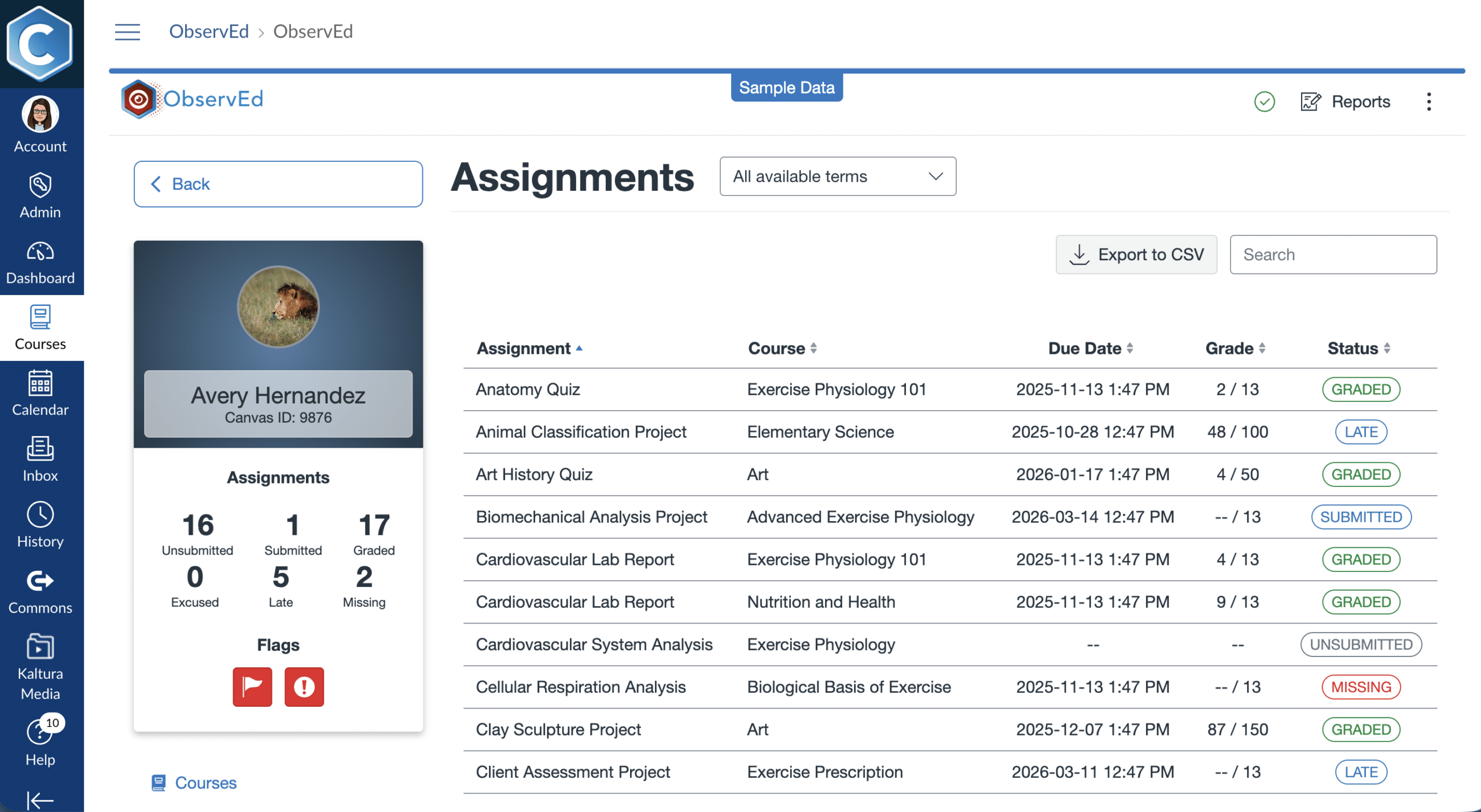
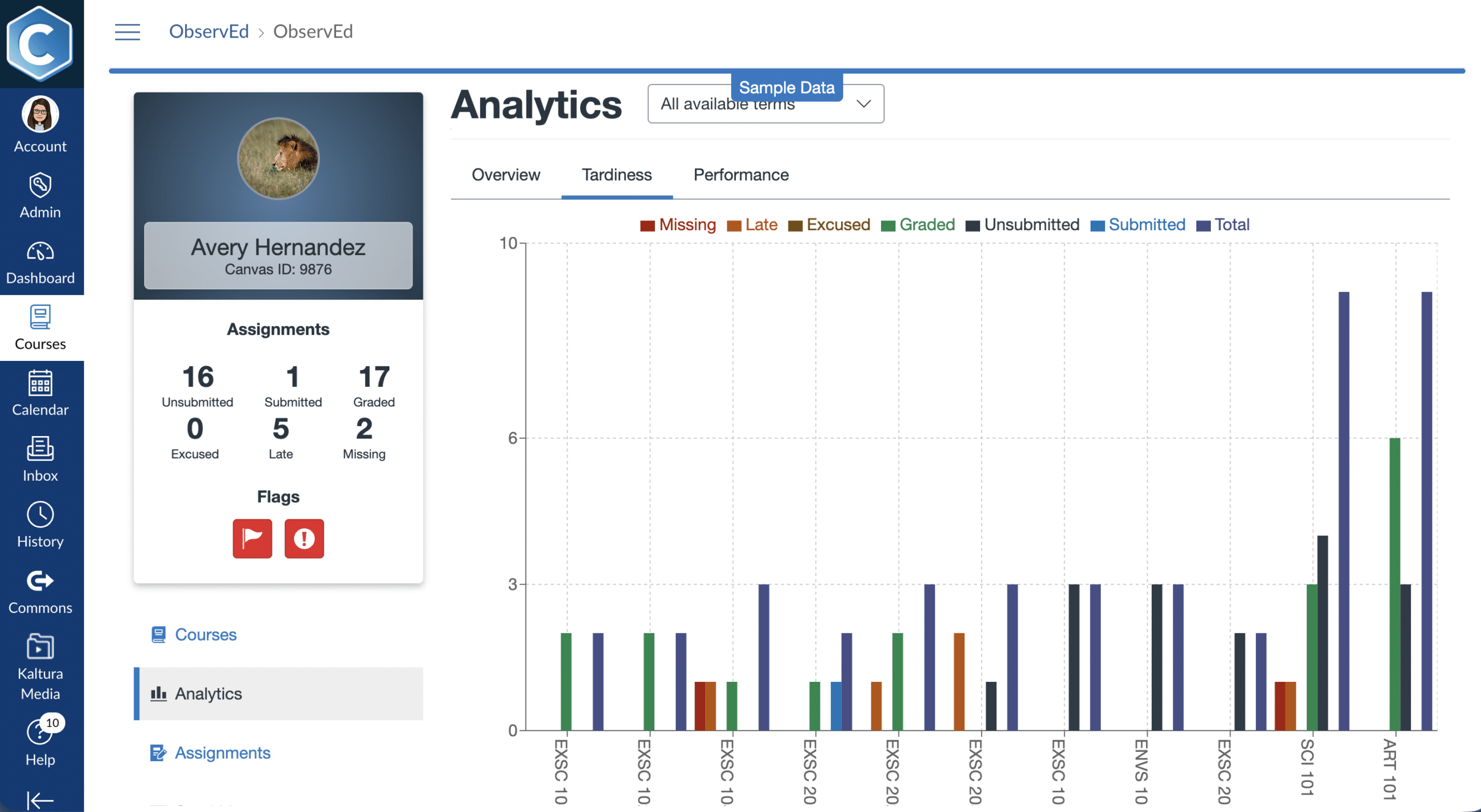
ObservEd allows authorized staff to view real-time academic data for the students they support (and only the students they support), from one streamlined dashboard. This includes:
Instead of navigating many individual Canvas courses or waiting for reports, staff can see student progress across courses, identify patterns, and quickly find the information they need.
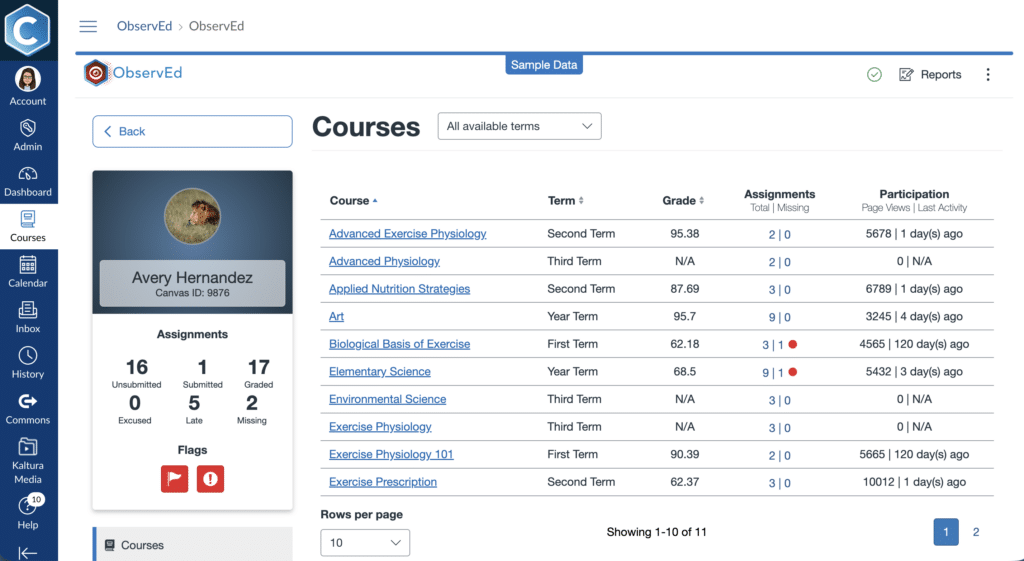
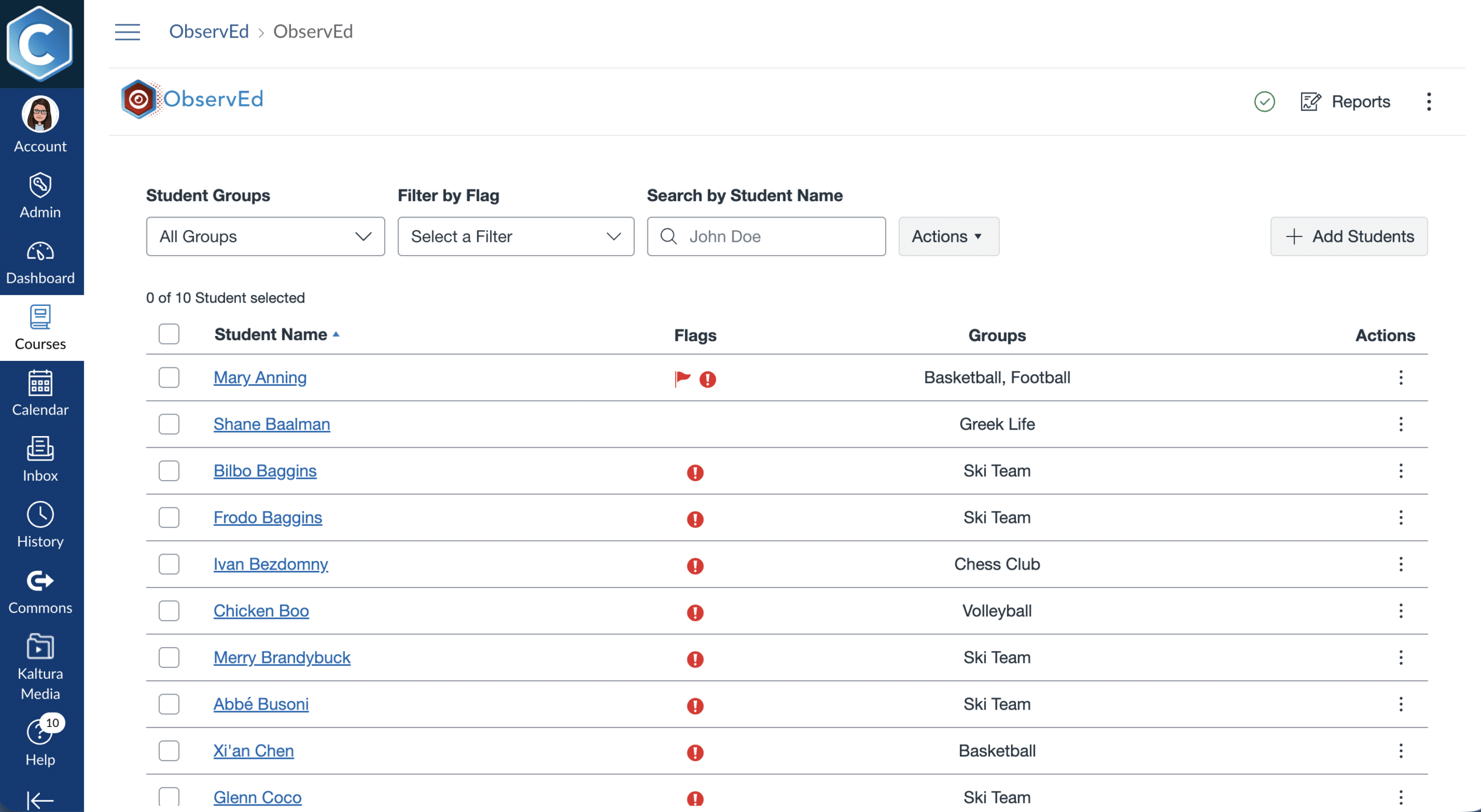
ObservEd ensures staff only see the students they are assigned to monitor. Institutions can organize students into groups and assign authorized staff to monitor each group, providing focused visibility without unnecessary access to other students’ information. This apporach supports:
Administrators can create and manage student groups, while observers get a focused view of the students they are responsible for supporting.

With ObservEd:
This design eliminates the need for broad administrator access for routine student monitoring and reduces privacy and security risk.

By bringing grades, due dates, participation, and course context into one real-time view, ObservEd helps staff:
With academic information and communication tools in one place, advisors and support staff can spend less time gathering information and more time helping students succeed.

Get real-time insights into grades, assignments, and academic activity without compromising student privacy or security.
Use configurable risk assessments and flags to identify potential academic concerns and prioritize timely intervention.
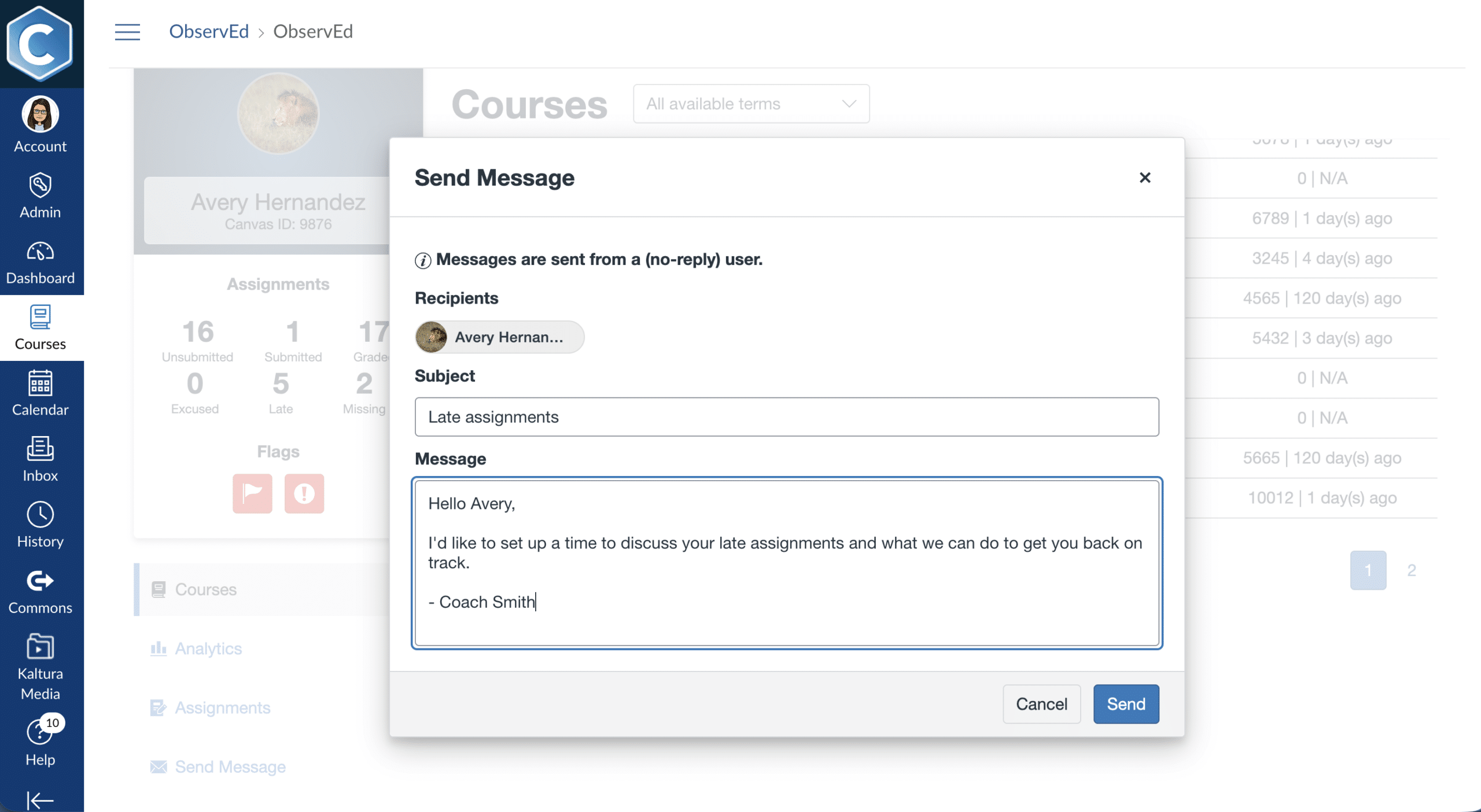
Access up-to-date academic context and message students directly through Canvas.
Empower your teams working with specific student populations through targeted visibility.
Eliminate clunky workarounds, outdated reports, and over-permissioned access
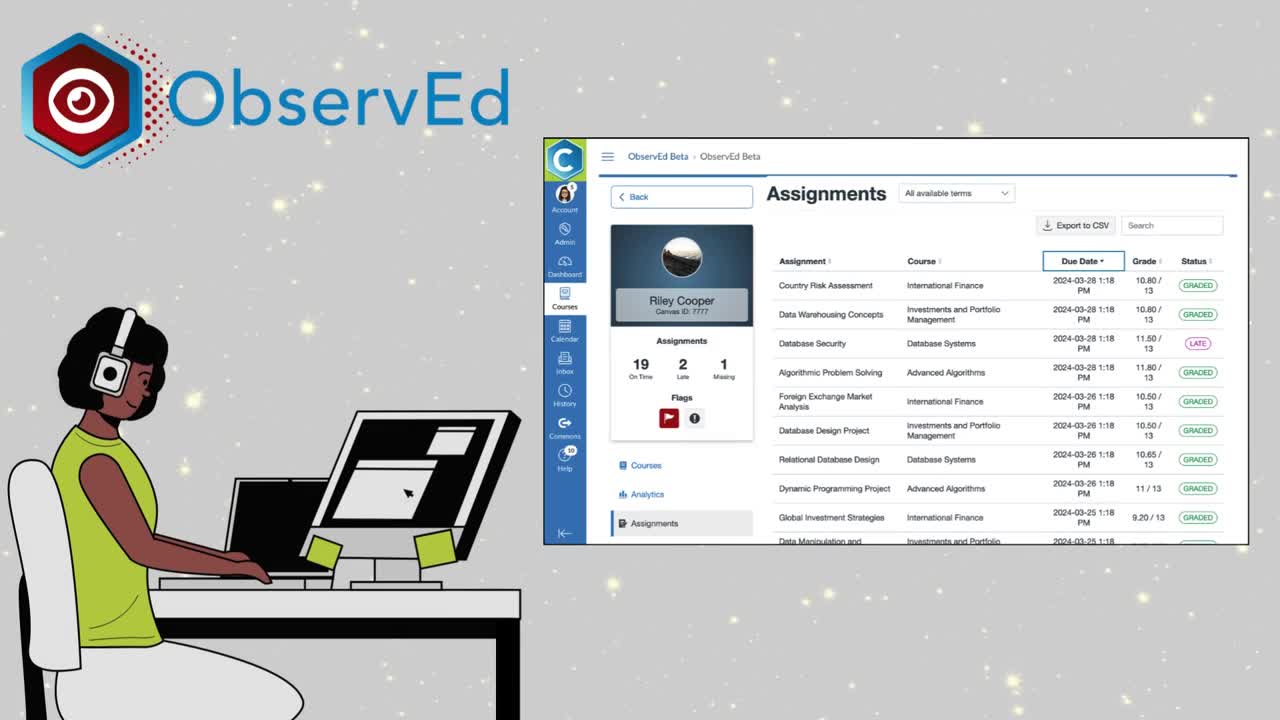
Watch this on-demand webinar to see how ObservEd helps advisors, coaches, athletic directors, and other support staff monitor student progress across Canvas courses, identify potential challenges early, and provide proactive support.
Watch the Webinar →

No! The only data that ObservEd stores is a student’s name and Canvas User ID. All other data continues to be stored in Canvas and is simply called through the Canvas API to be displayed in ObservEd in real-time.
ObservEd limits student information to authorized observers who have been explicitly assigned to monitor those students.
ObservEd also includes a Sample Data mode that replaces real student information with fictitious data during demonstrations and training. Users can enable this feature through their User Settings.
ObservEd is an LTI tool that sits in its own course, which is set up as part of the installation process. This means observers will need to be added to the course by an ObservEd admin. Once enrolled, users can navigate to the course in Canvas and select ObservEd from the Canvas course menu.
Definitely not. ObservEd supports academic advisors, athletic staff, disability resource centers, special education case carriers, equity offices, dual enrollment coordinators, and other student support teams. Institutions can organize students into groups and assign observers based on their responsibilities.
ObservEd helps student support teams identify potential academic concerns through automatic or manually applied flags, and configurable risk assessments.
Flags automatically identify students whose grades meet institution-defined thresholds, while observers can mark students who may need extra attention. Configurable risk assessments provide additional insights based on course grades, missing or late assignments, page views, and recent activity.
Administrators can establish different risk criteria for different student groups, and observers can filter students by risk level and review the factors contributing to each assessment.

Description