Move Beyond Static Content and Increase Student Engagement in Canvas with DesignPLUS

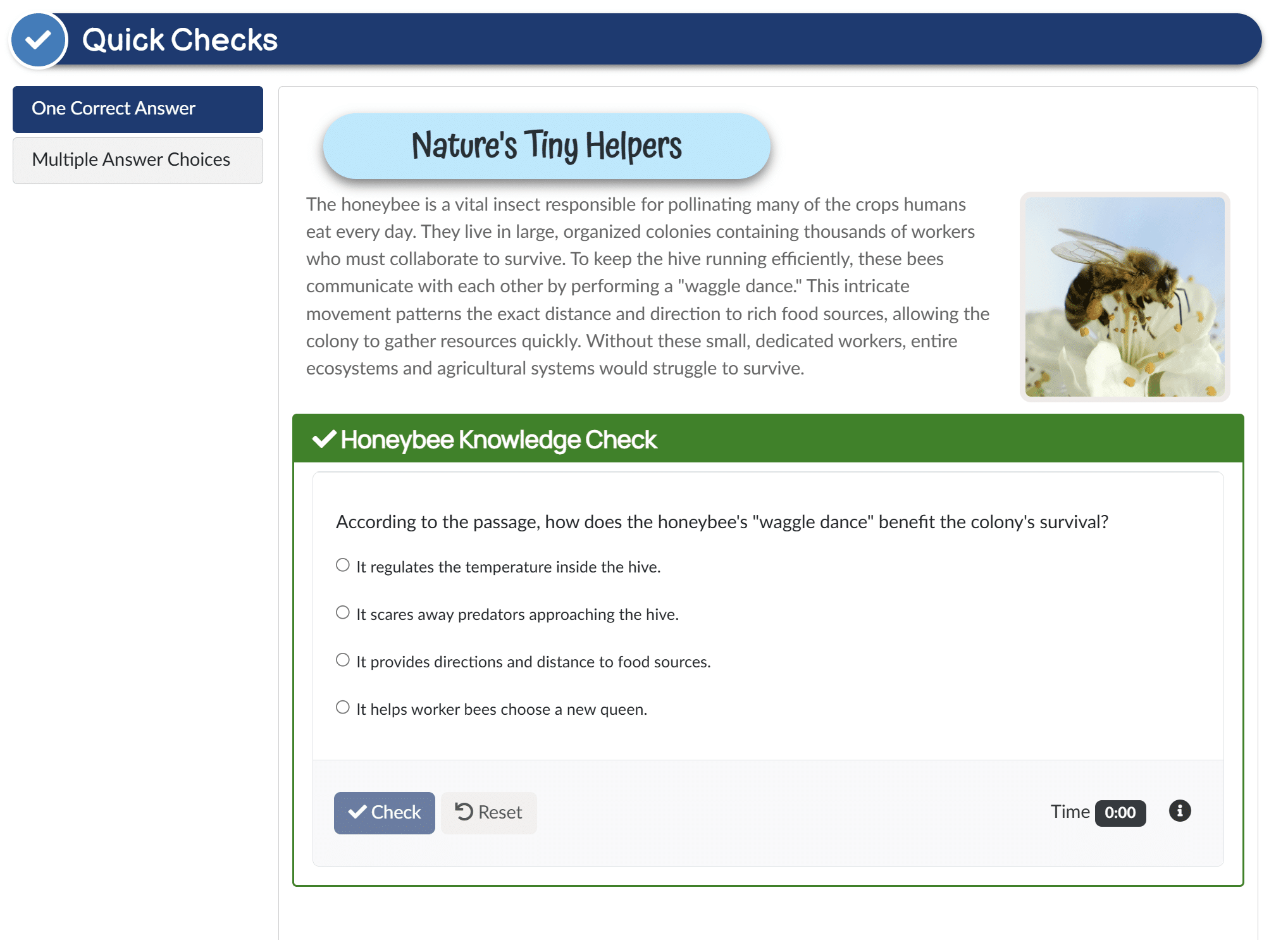
Many Canvas courses are content-rich but interaction-light. Students read pages, watch videos, and move through modules without opportunities to practice until a quiz or assignment reveals gaps in their understanding. Adding active learning opportunities throughout a Canvas course can increase student engagement while helping learners practice, reflect, and check their understanding along the way.
Research shows that active learning improves engagement, achievement, long-term retention, metacognition, and academic self-efficacy.
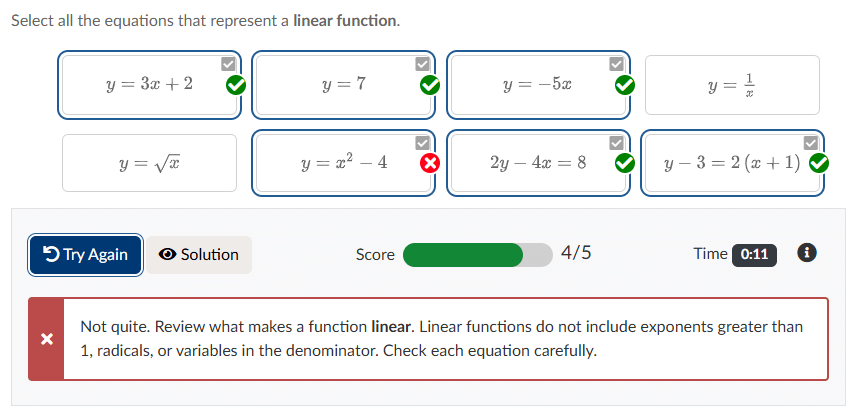
The good news? Active learning doesn’t require a complete course redesign. Simple interactions embedded in a page can make a meaningful difference:
These low-stakes activities encourage students to practice, reflect, and reinforce concepts as they learn, promoting deeper understanding directly within the flow of a Canvas course.

DesignPLUS makes it easy to create accessible, interactive learning experiences directly within Canvas. Instructors and instructional designers can embed engaging activities in pages, assignments, discussions, and more without requiring additional tools or student logins.
Each interaction encourages students to practice, reflect, and check their understanding while remaining accessible and easy to create.


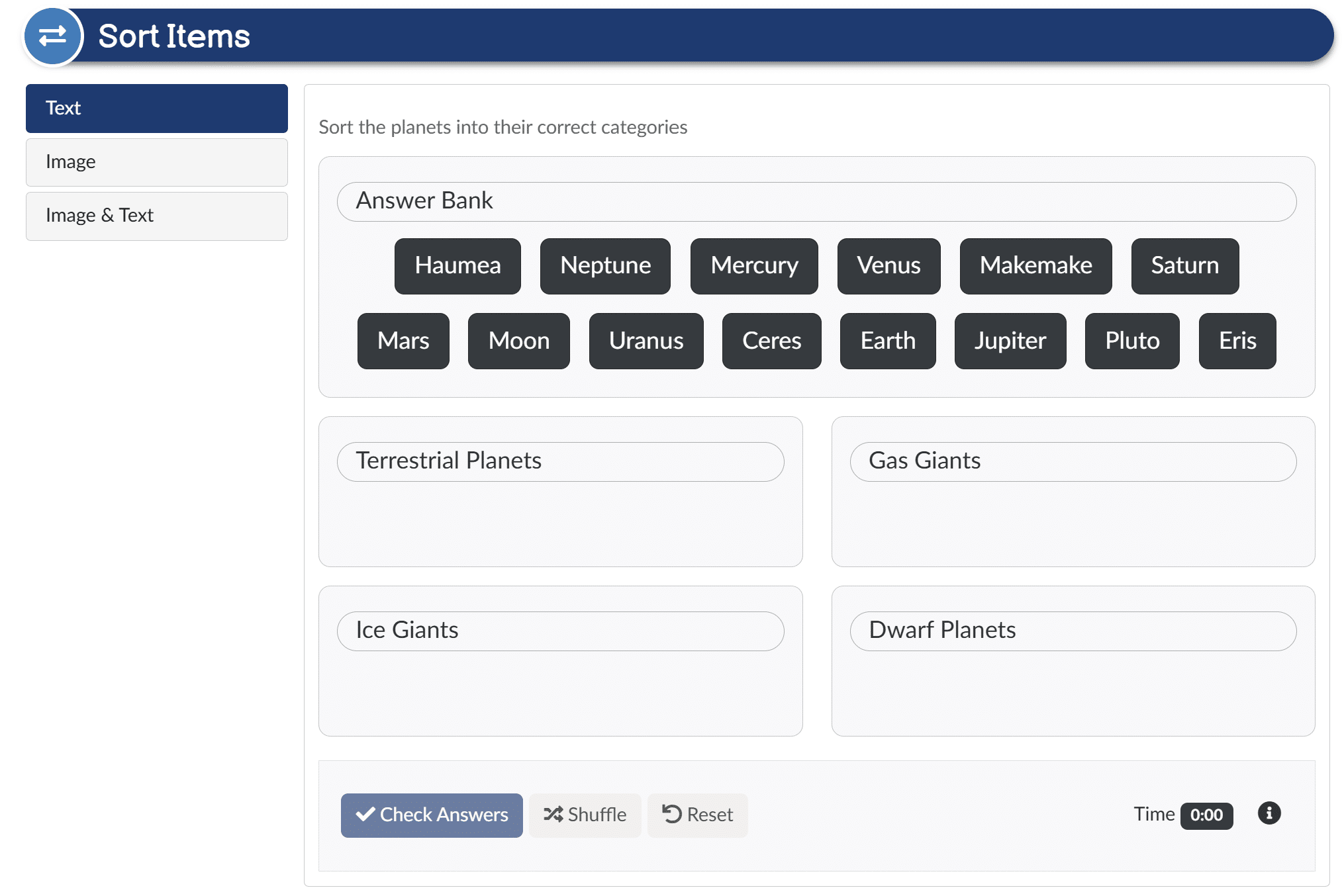
Encourage learners to identify relationships by organizing concepts into categories.


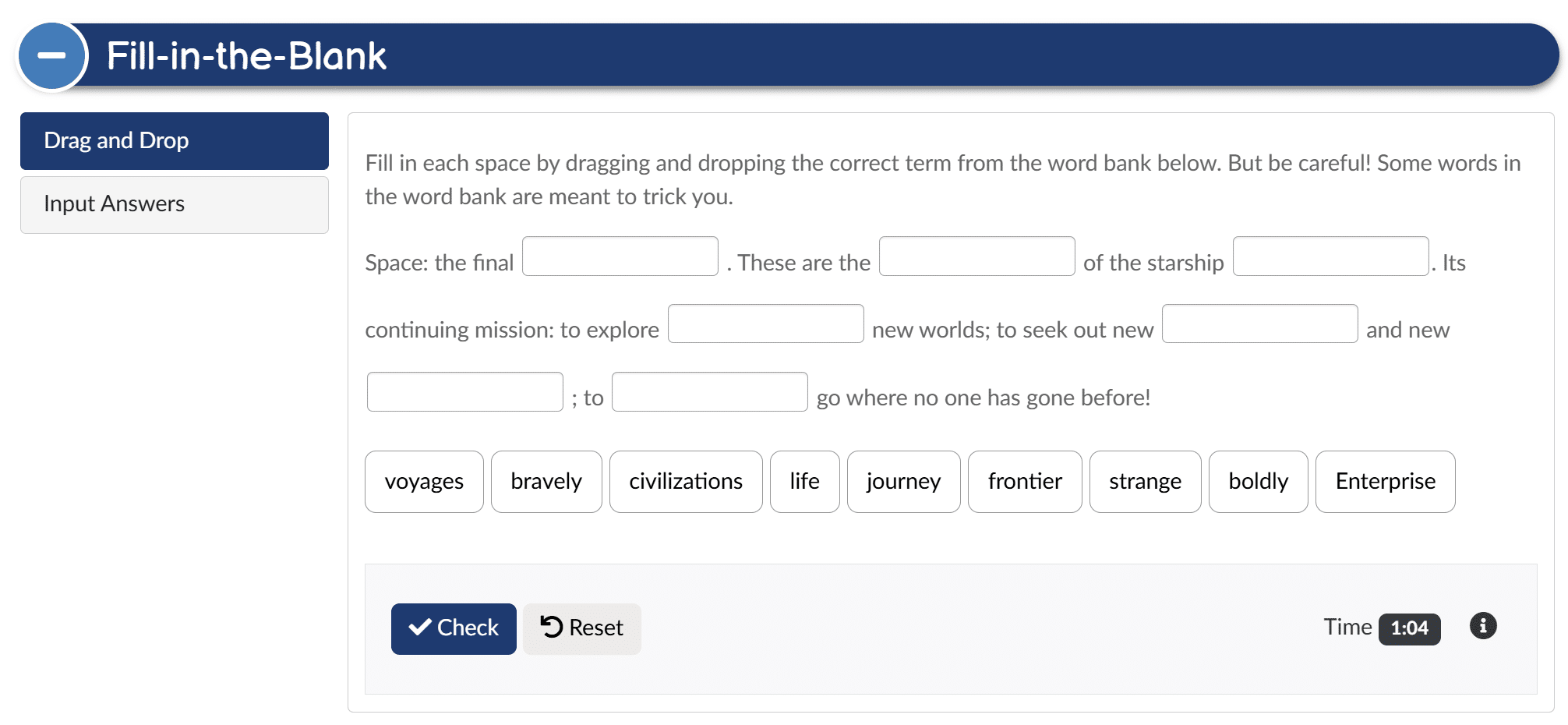
Encourage active recall by having learners complete missing words, phrases, or ideas.

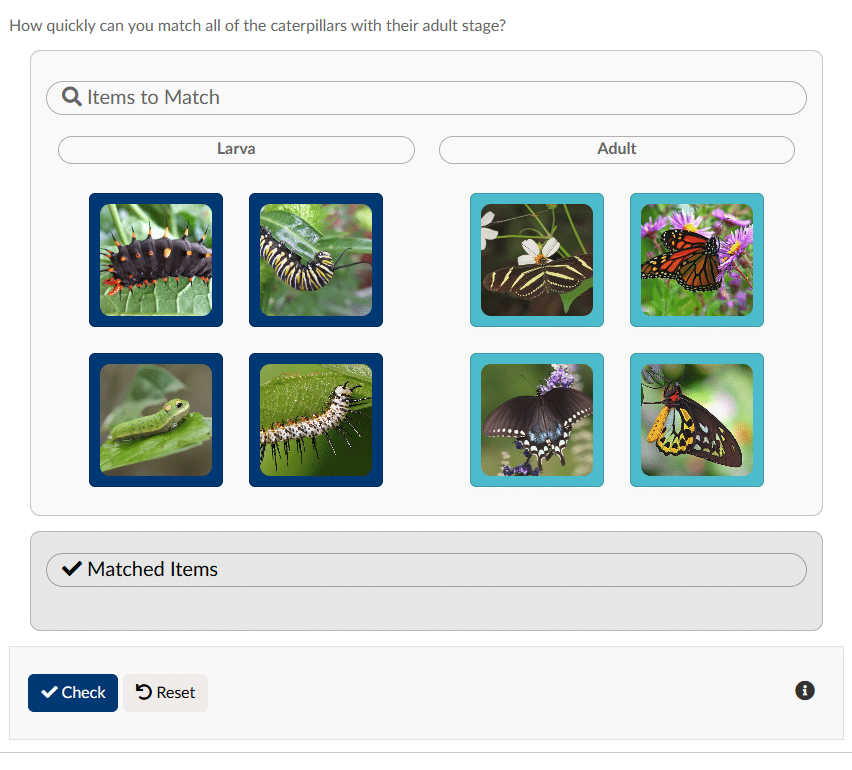
Build vocabulary review, concept reinforcement, and purposeful pauses.
Students don’t have to wait for a quiz or assignment to discover what they know and what they need to review.
Interactive exercises provide low-stakes opportunities for students to explore concepts, receive immediate feedback, and gain understanding as they learn.
At the same time, DesignPLUS provides instructors with anonymous insights into how students engage with those exercises.
Instructors can:
Great learning experiences shouldn’t require complicated tools or coding knowledge.
DesignPLUS works directly within the Canvas editing experience, letting you create interactive exercises without disrupting existing workflows.
DesignPLUS interactive exercises are built with accessibility in mind, supporting inclusive learning experiences from the start.
Instead of choosing between engagement and accessibility, institutions can provide both.
Whether you’re looking for research, examples, or ideas you can implement now, we’ve assembled a growing collection of resources to help you bring active learning into Canvas.
Answer:
Active learning encourages students to think, practice, reflect, and apply concepts instead of simply reading or watching content. In Canvas, active learning can be supported through interactive exercises, low-stakes knowledge checks, self-assessment opportunities, and immediate feedback embedded directly within course content.
Answer:
Interactive exercises encourage active recall, self-assessment, and immediate feedback, helping students engage more deeply with Canvas course material and identify areas that need additional review before high-stakes assessments.
Answer:
Yes. DesignPLUS provides anonymous engagement insights that help instructors understand how students interact with exercises across a course. Aggregate response patterns, first-attempt scores, and completion times can help guide future instruction without creating additional grading work.
Answer:
Yes. DesignPLUS interactive exercises are designed with accessibility in mind and support keyboard navigation and inclusive interaction patterns, allowing institutions to create engaging learning experiences without sacrificing accessibility.
Answer:
Yes. DesignPLUS interactive exercises can be embedded directly into Canvas Pages, Assignments, Discussions, and other supported content areas, making it easy to incorporate active learning throughout a course.
Answer:
Instructors can increase student engagement in Canvas by adding opportunities for students to practice, reflect, self-assess, and receive feedback throughout a course. Interactive exercises such as knowledge checks, matching, sorting, flash cards, and fill-in-the-blank activities can turn static course content into more active learning experiences.
Answer:
DesignPLUS from Cidi Labs provides interactive learning tools that instructors and instructional designers can add directly to Canvas course content. Activities including Quick Checks, Flash Cards, Match, Sort, Order, Fill-in-the-Blank, and Flip Cards can be created without coding or requiring students to use another platform.

Description