Create it in Canvas!
Files are often the least accessible content in your courses. Since “[it] is relatively easy to make content accessible when you enter it directly into the pages of a learning management system” (Burgstahler, 2021), creating content in Canvas from the start is a great way to provide multimodal learning that may be more accessible to students. Plus, many learners use Canvas-integrated or other browser supports, such as immersive reader, to further customize the content representation experience to meet their needs.
Layer Meaning, Not Cognitive Load
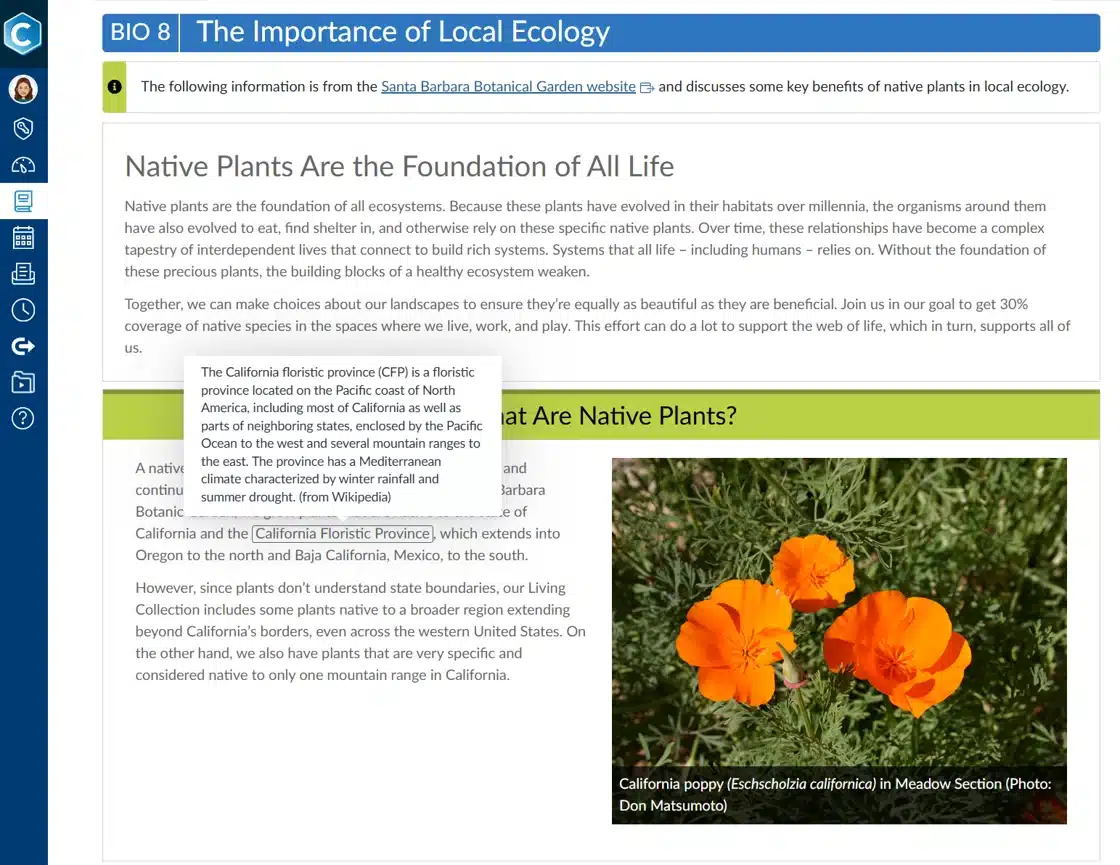
Universal design principles remind us that not all learners interpret language, symbols, and visuals the same way (CAST, 2024), and thus champion combinations of images, definitions, and contextual information to support learners’ understanding. Yet an abundance of representations can lead to cognitive overload (Castro-Alonso et al., 2021; Sweller et al., 2019). Some complementary pairings use little design real estate and working memory—like an icon with a text heading, captions with every video, or an image with a short explanation. For other supplemental content, consider using select-to-reveal designs (such as tooltips, dialog boxes, or linked resources) to embed support where it’s needed without cluttering the content.
Structure Knowledge Building
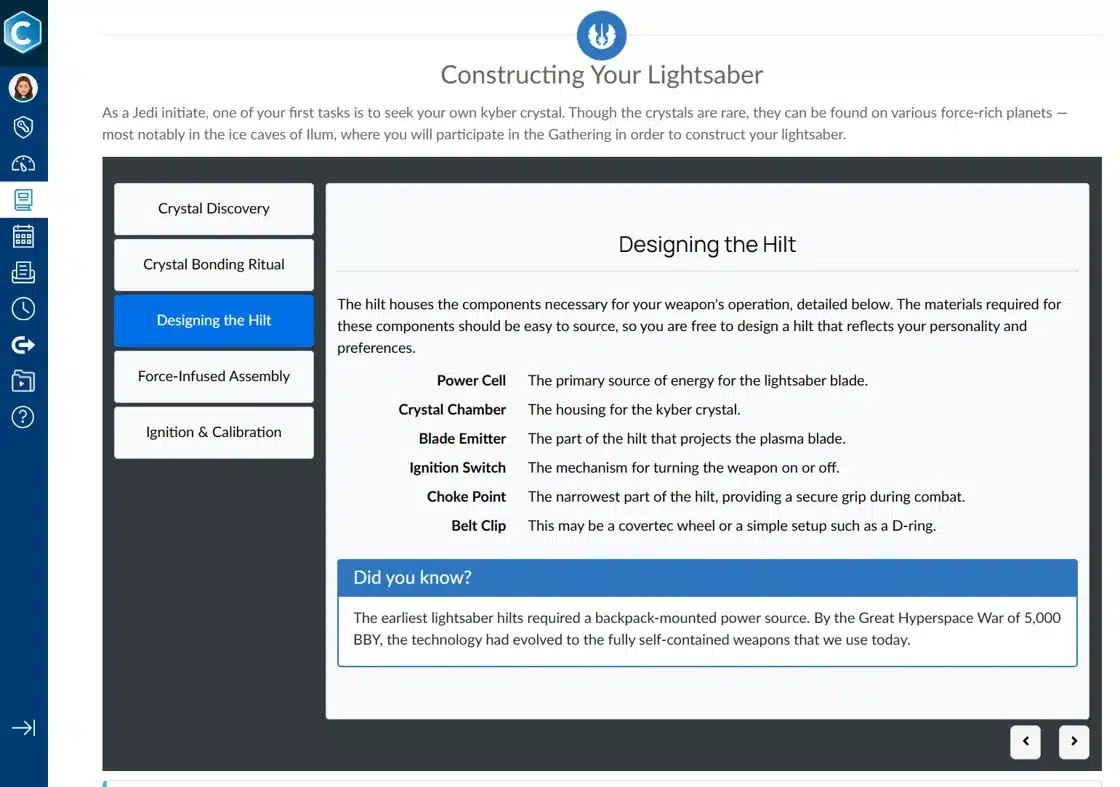
Course designers can help learners organize and store new concepts in long-term memory by arranging content into relevant visual structures. Research here indicates that visual structures reduce cognitive load and improve concept retention (Jung et al., 2022), as well as boost future assessment performance (Jitendra et al., 2009). Are you asking learners to compare multiple items? Lay them out in columns! Need to depict concept relationships? Consider borders to group information and icons to clarify the relationship.