TidyUP:
File
Cleanup Tool
for Canvas

A fast and easy way to remove course clutter.

Play video: TidyUP file and course clean-up tool

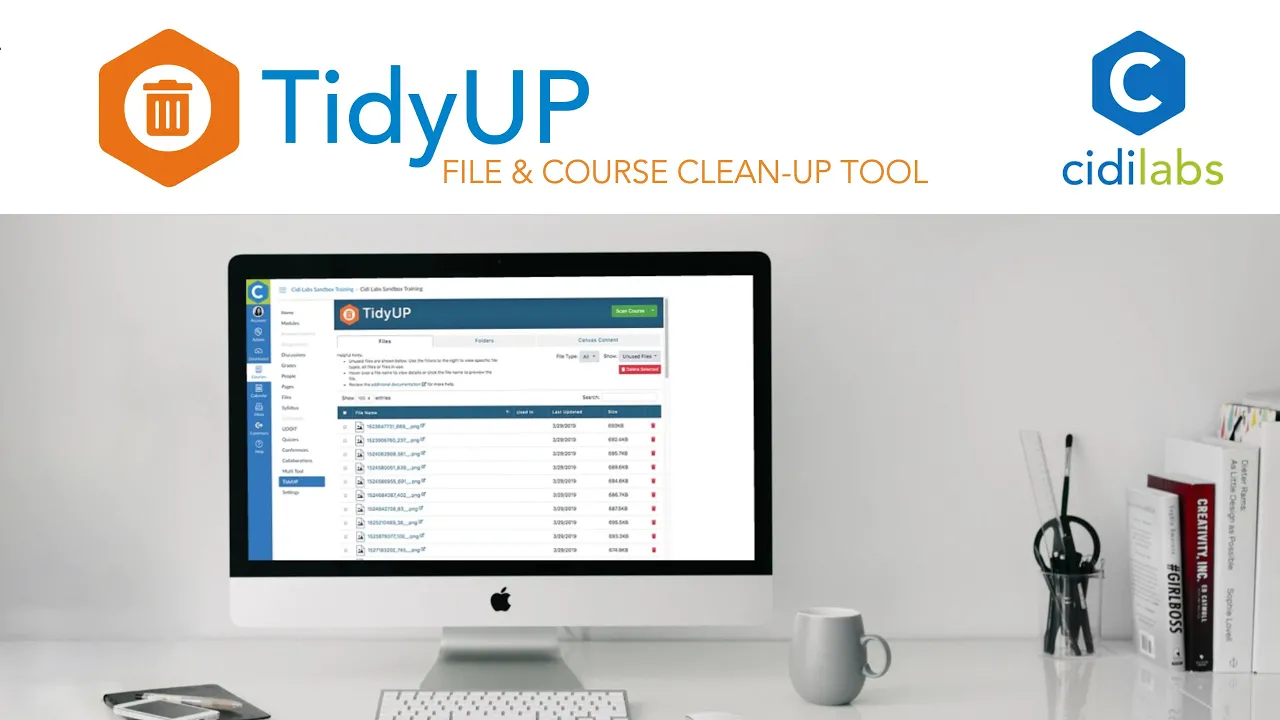
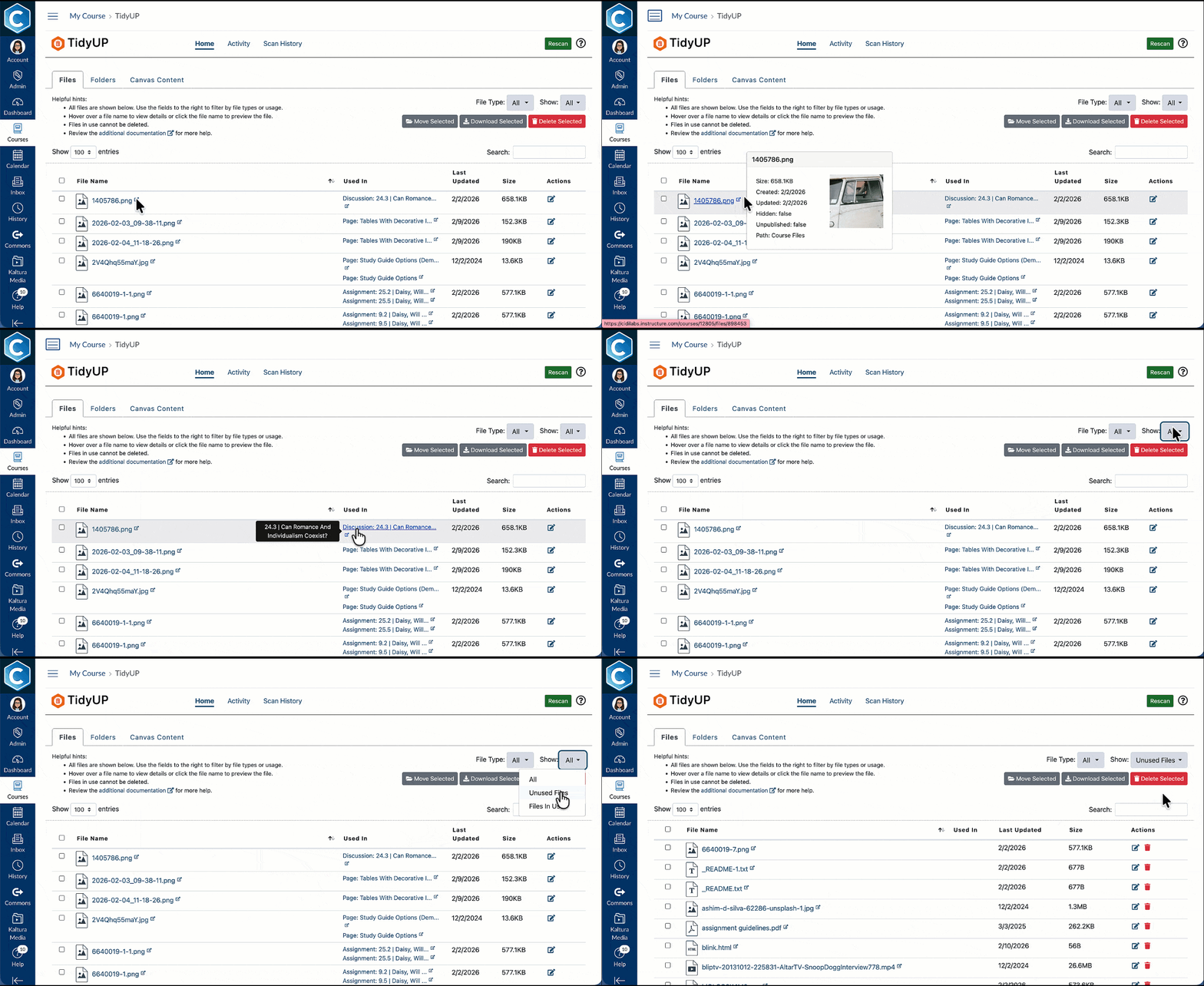
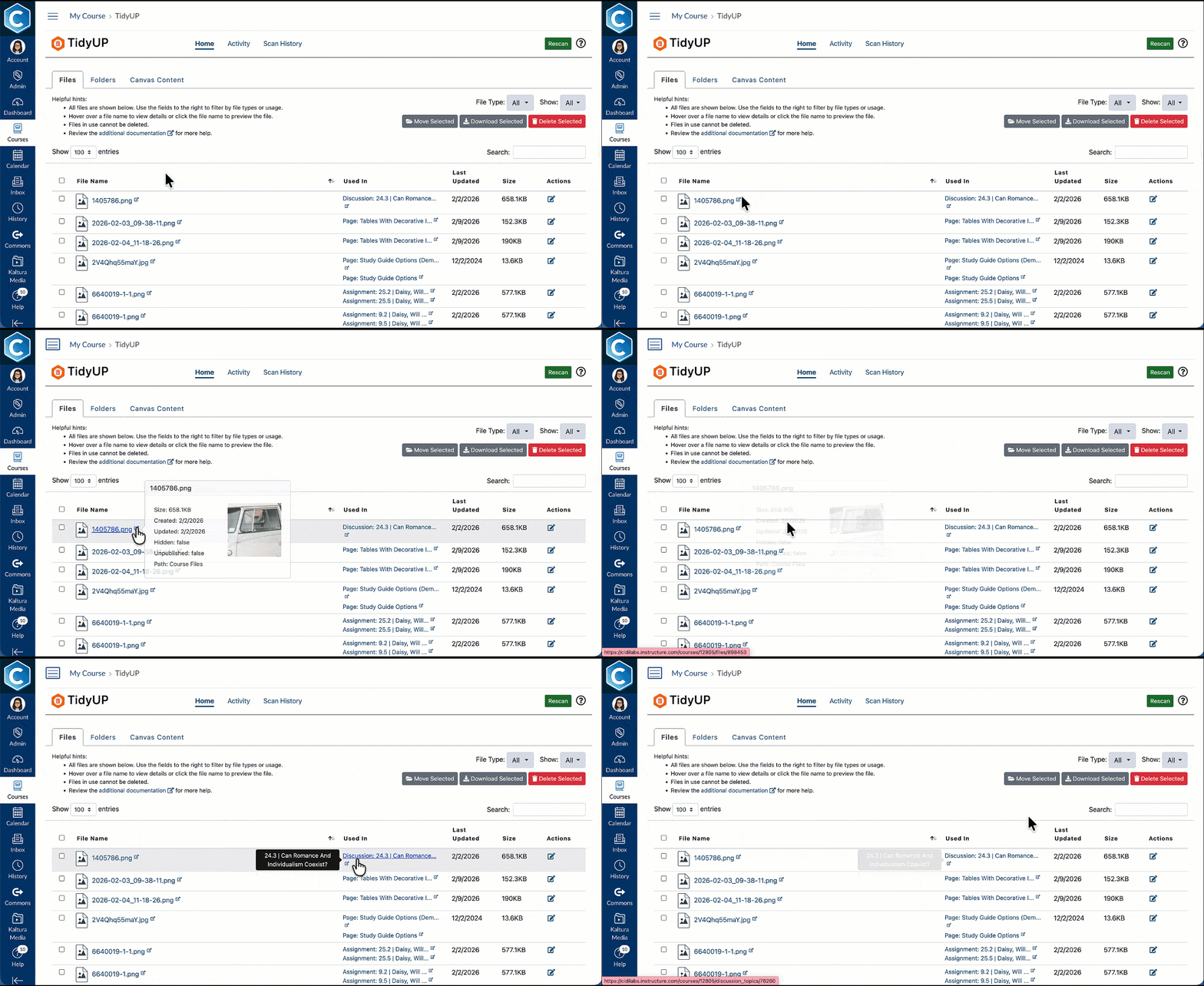
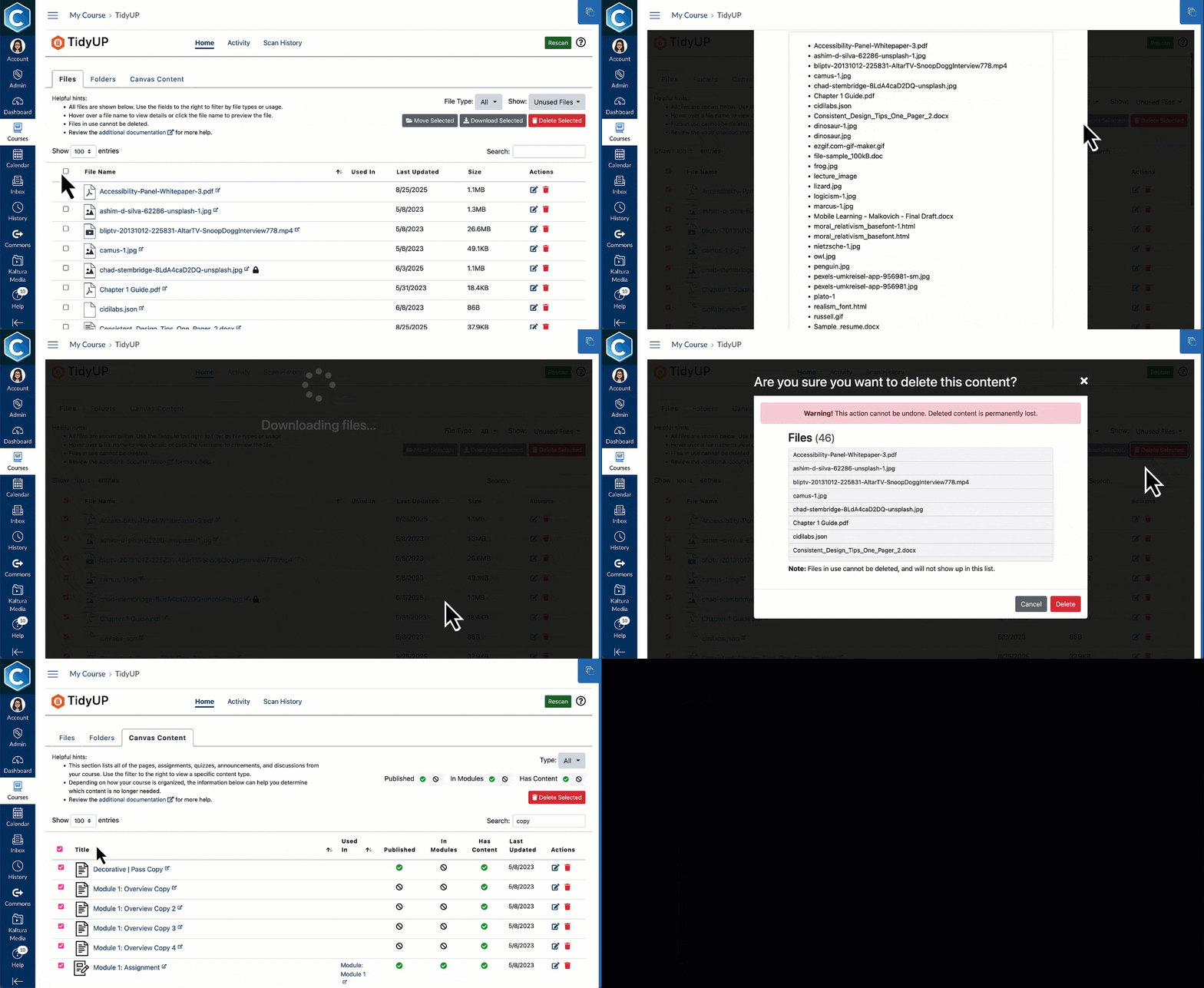
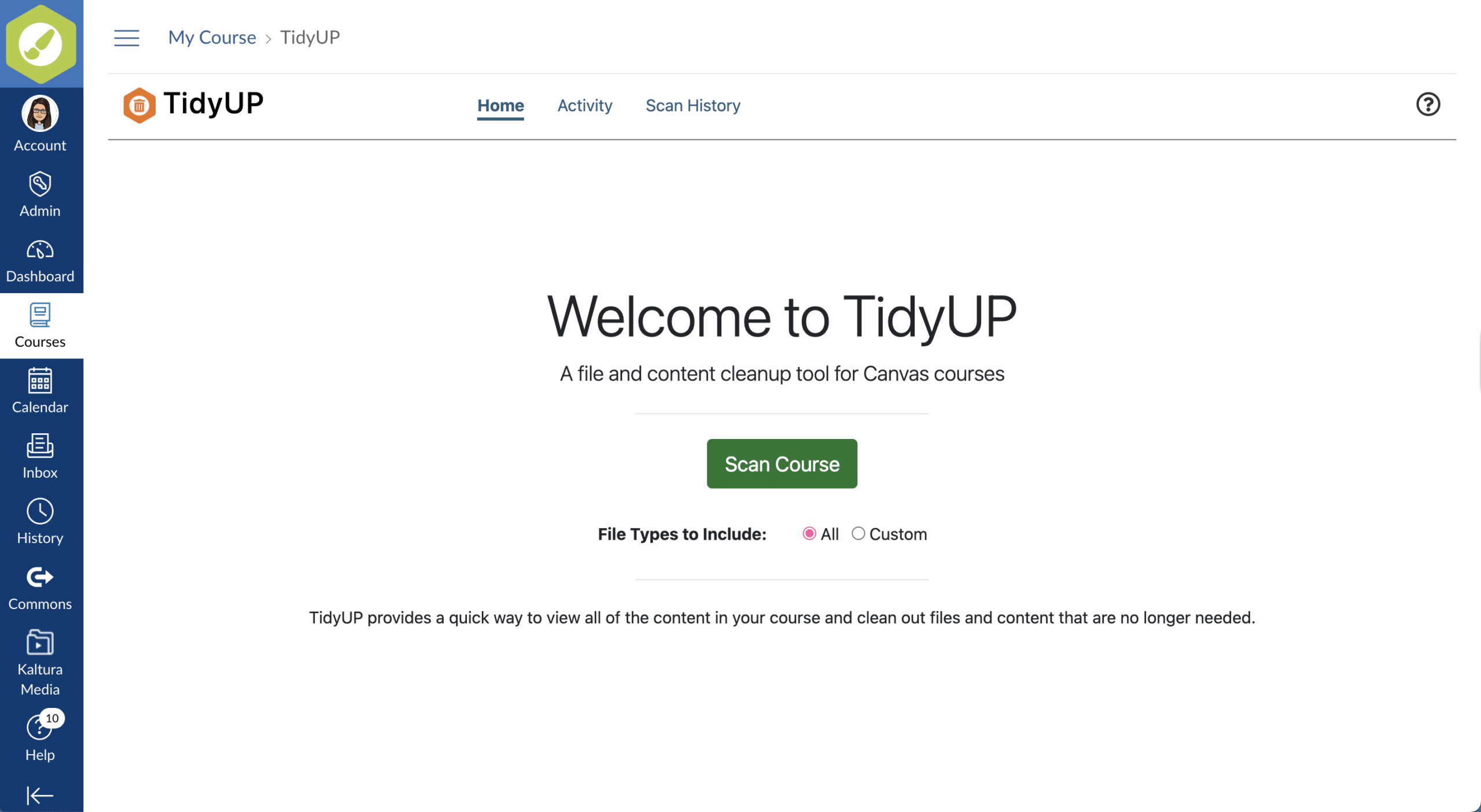
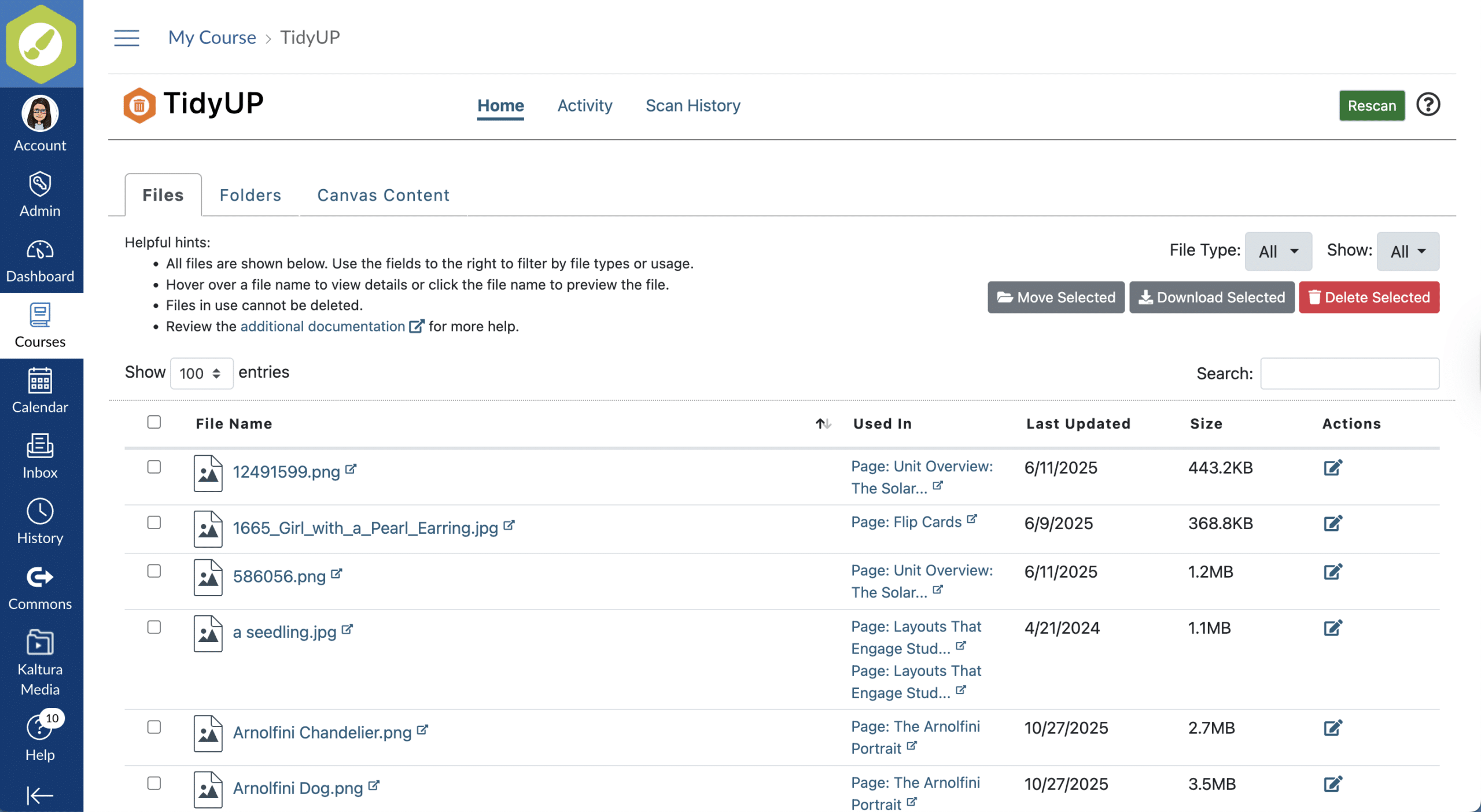
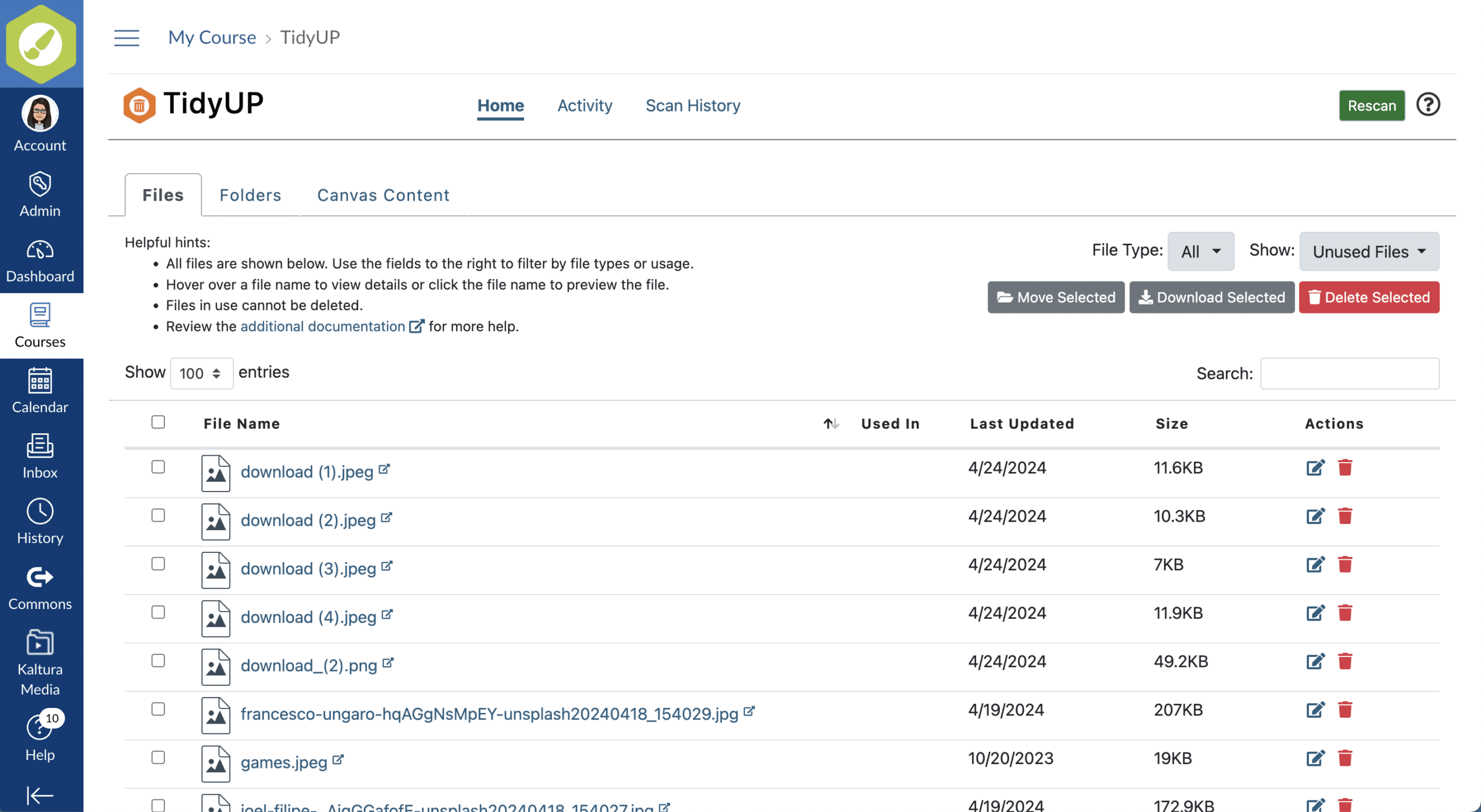
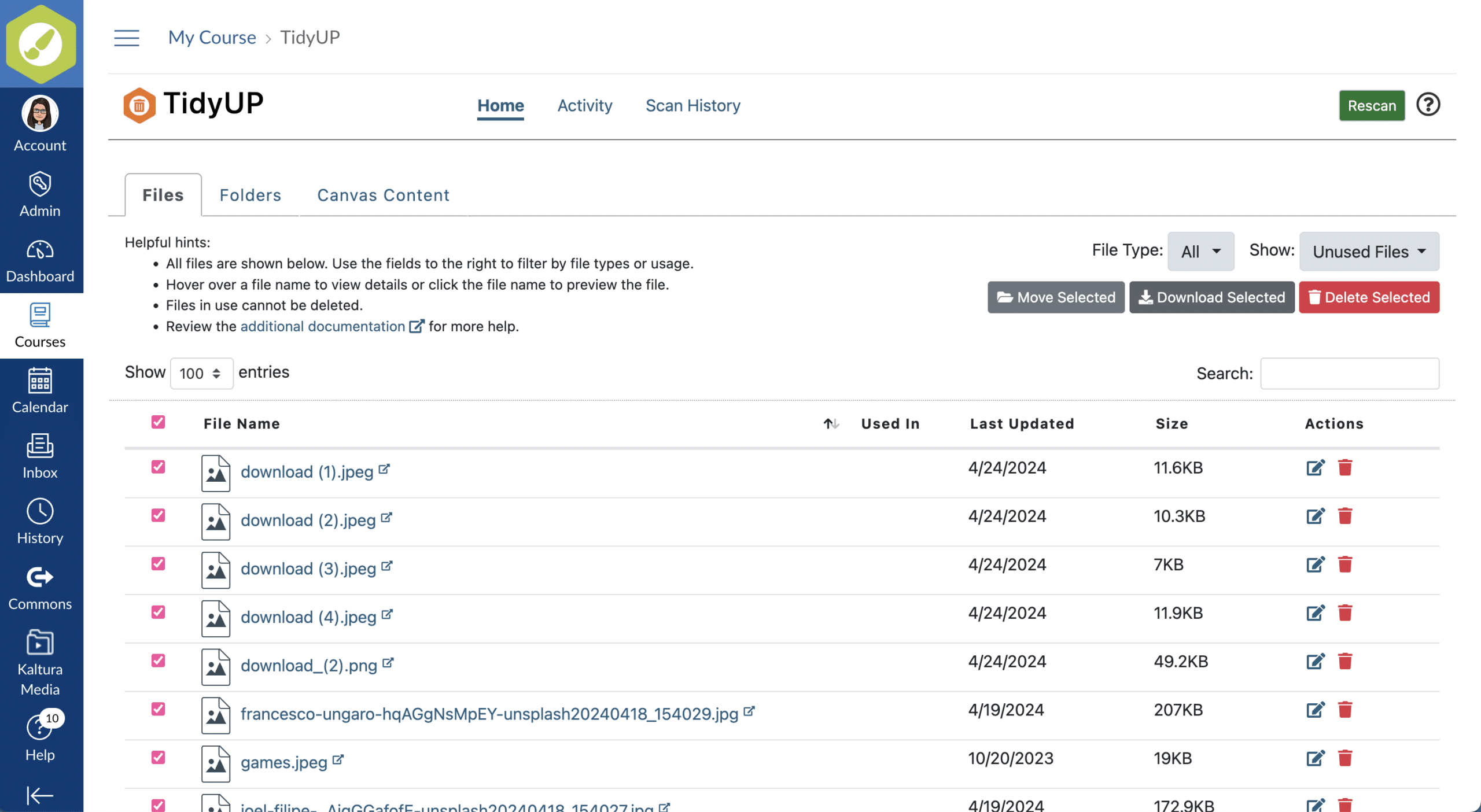
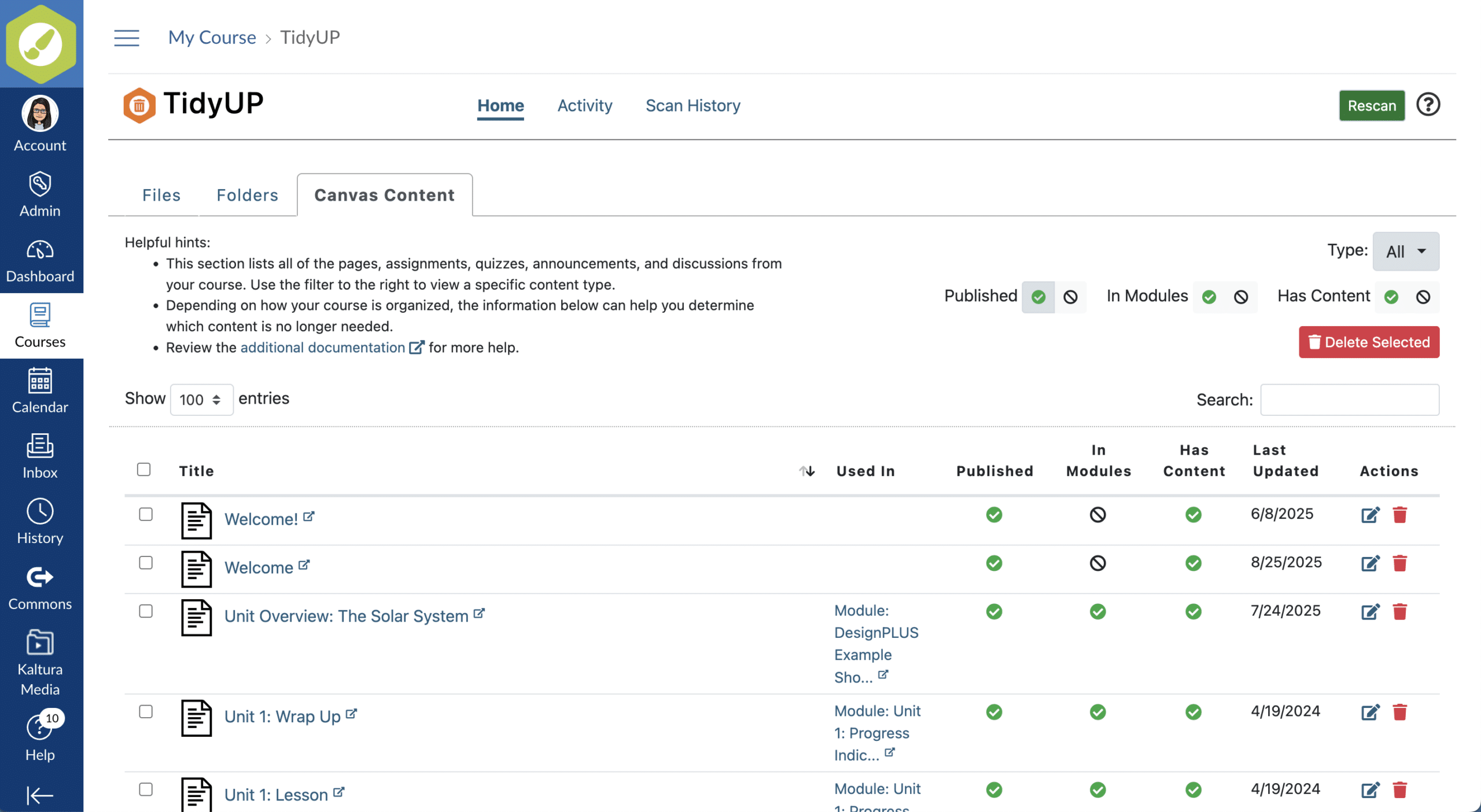
TidyUP makes it easy to identify and remove unused, duplicate, and outdated content and files in Canvas.

TidyUP

Simplify your accessibility work—don’t waste time fixing content students can’t even see!

See how our customers are using TidyUP to (ehem) tidy up their Canvas courses

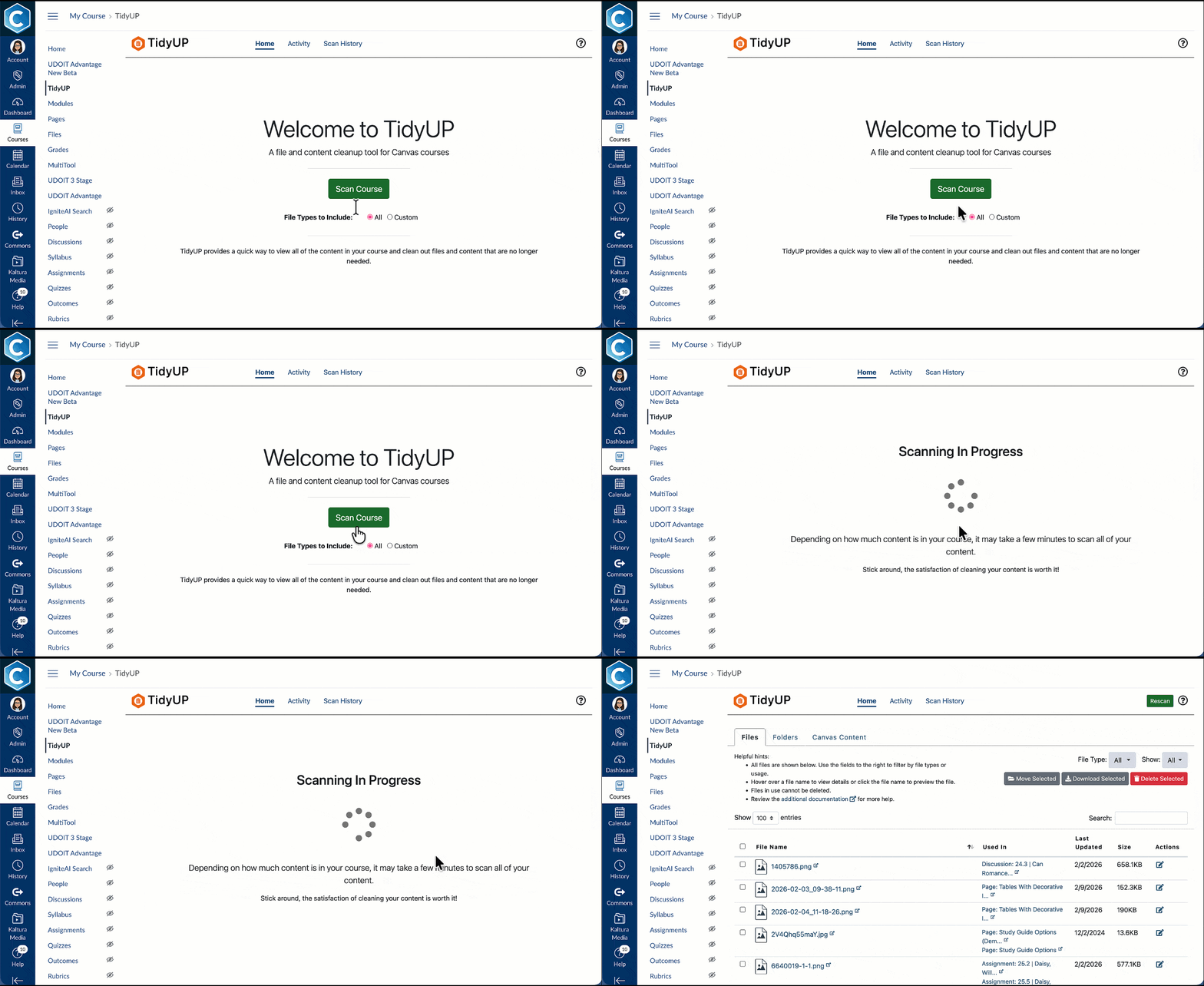
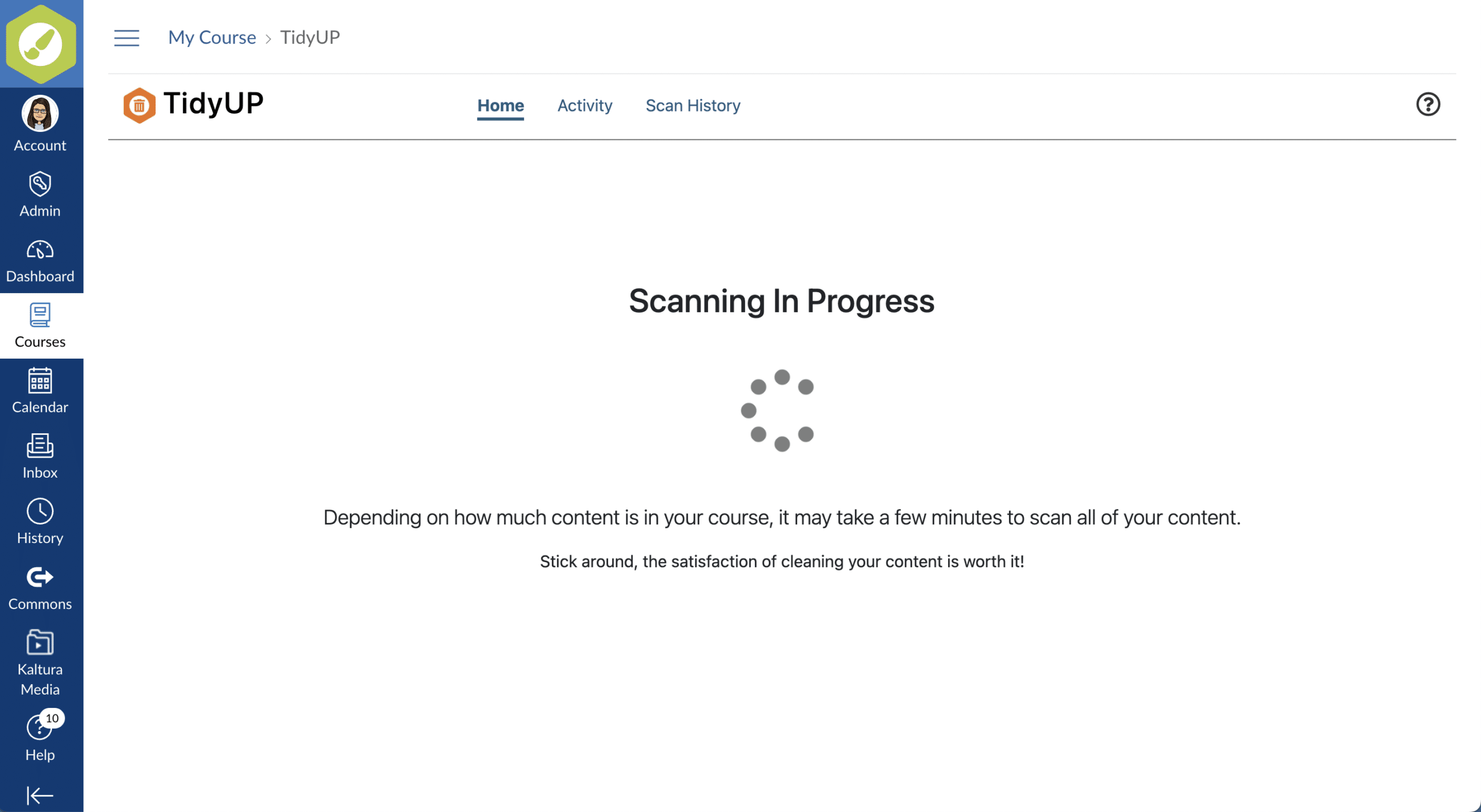
The simple Canvas tool allows you to scan your Canvas courses for unpublished pages and unlinked files and delete them from your Canvas course.

It’s a little bit of clean-up magic and a whole lot of awesome.

Featuring: Anna Stirling, Associate Dean at Mt San Jacinto College and Christopher Phillips, accessibility guru from Utah State University.


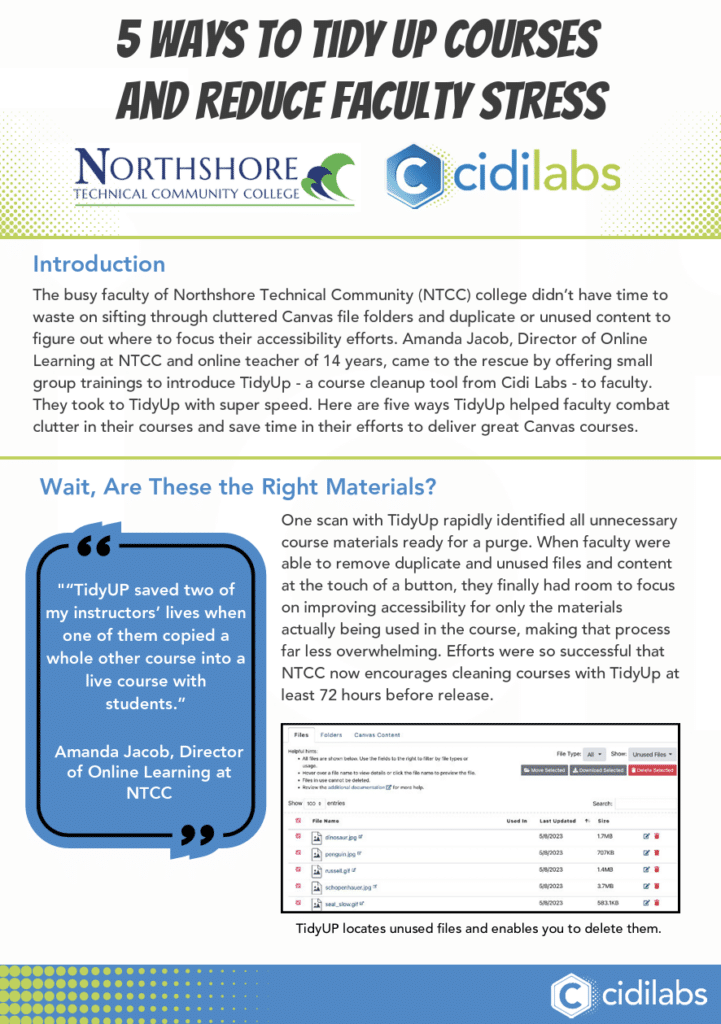
Read this case study to learn how North Shore Technical Community College used TidyUp to help faculty combat clutter in their courses and save time in their efforts to deliver accessible Canvas courses.

TidyUP FAQ

How much does TidyUP cost?

Answer:

TidyUP is provided as a SaaS subscription with the annual subscription price based on organizational FTE or student count (in K-12).

A small implementation and training fee is applied in Year 1 of all subscriptions. This covers installation and set up as well as a few hours of training to get you started.

Contact us today for a quote and to learn more. 

Do you provide training?

Answer:

Yes, we provide an installation and set up call as well as a few hours of training to get you started.

All training activities are delivered remotely using Zoom and recorded for your reference. 
How does TidyUP integrate with Canvas?

Answer:

TidyUP is an LTI tool that appears in the left hand navigation of Canvas courses and is only made available to course instructors. 

Ready to learn more?

Name

Position

Description