The easiest way to create beautiful, accessible courses – without any coding!
Designing high-quality Canvas courses isn’t easy – especially with limited time and staffing. Instructional designers and educators are often asked to:
Too often, this leads to inconsistent course quality and frustrated faculty and students. Without the right tools, course design work becomes manual, inconsistent, and difficult to sustain.
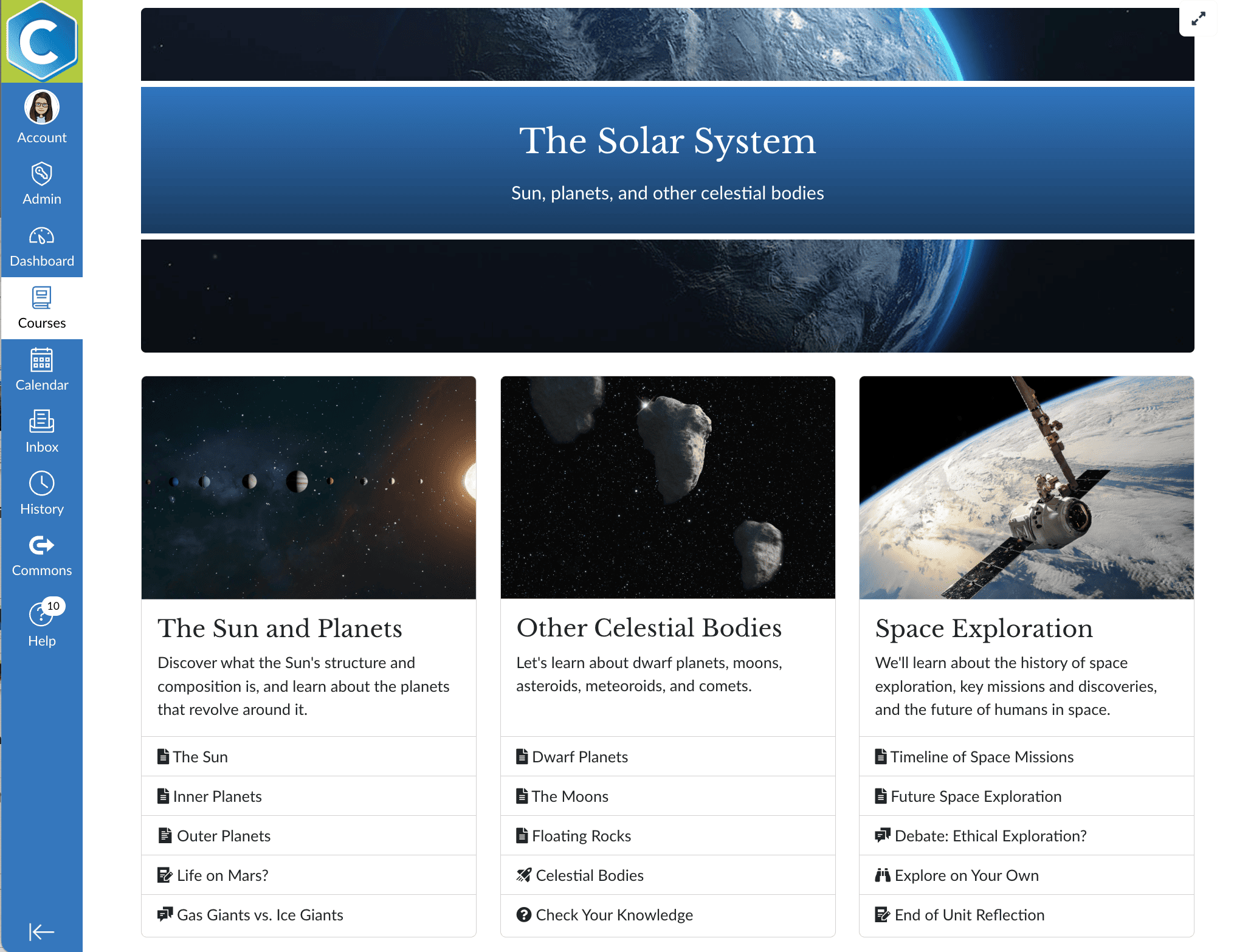
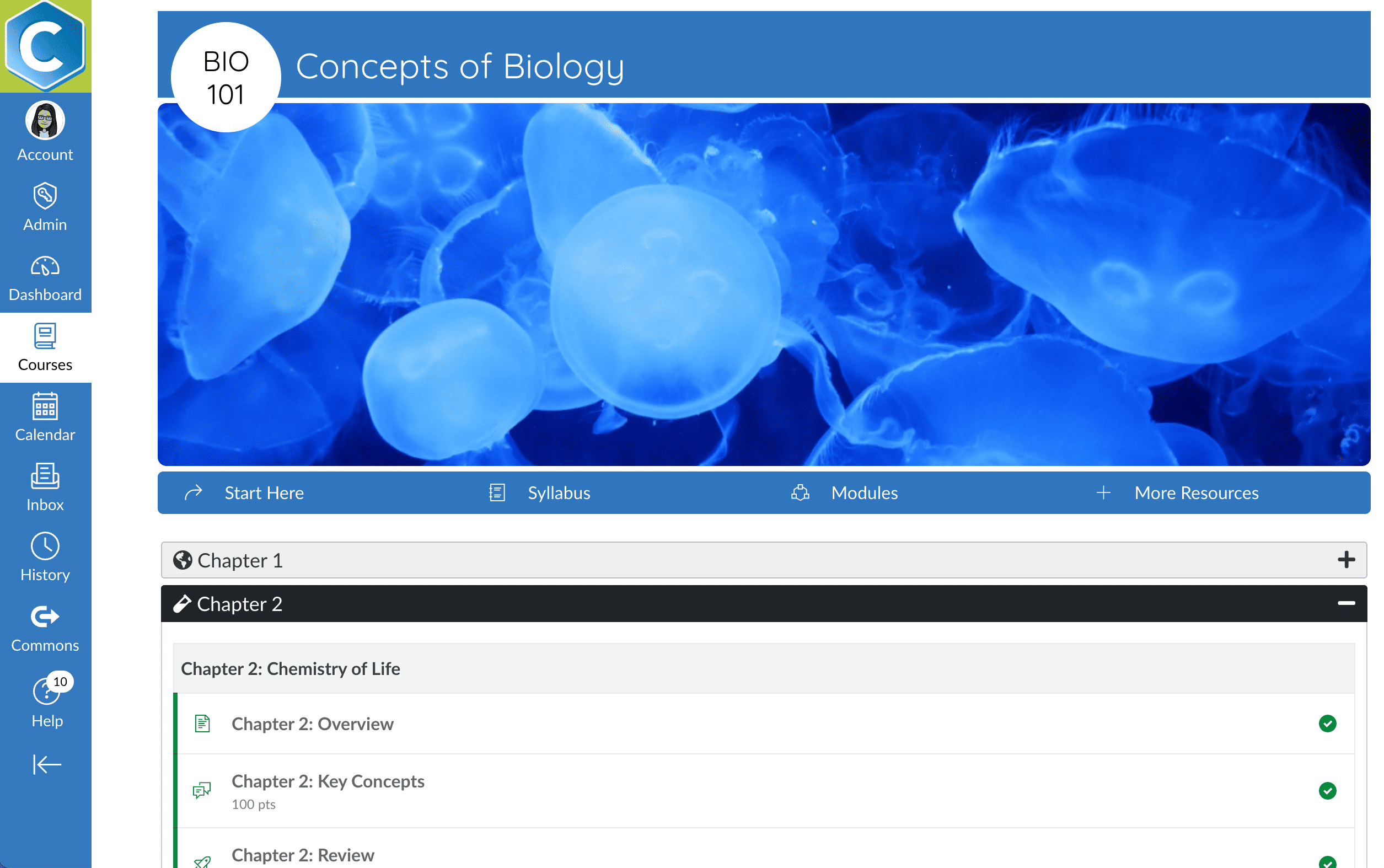
DesignPLUS by Cidi Labs is a Canvas course design toolset created by educators, for educators to solve these challenges. Installed directly in your Canvas environment, DesignPLUS empowers instructional designers and faculty to elevate course design, simplify accessibility, and scale best practices.
With DesignPLUS, you can:
DesignPLUS combines four powerful tools to elevate your Canvas course design.
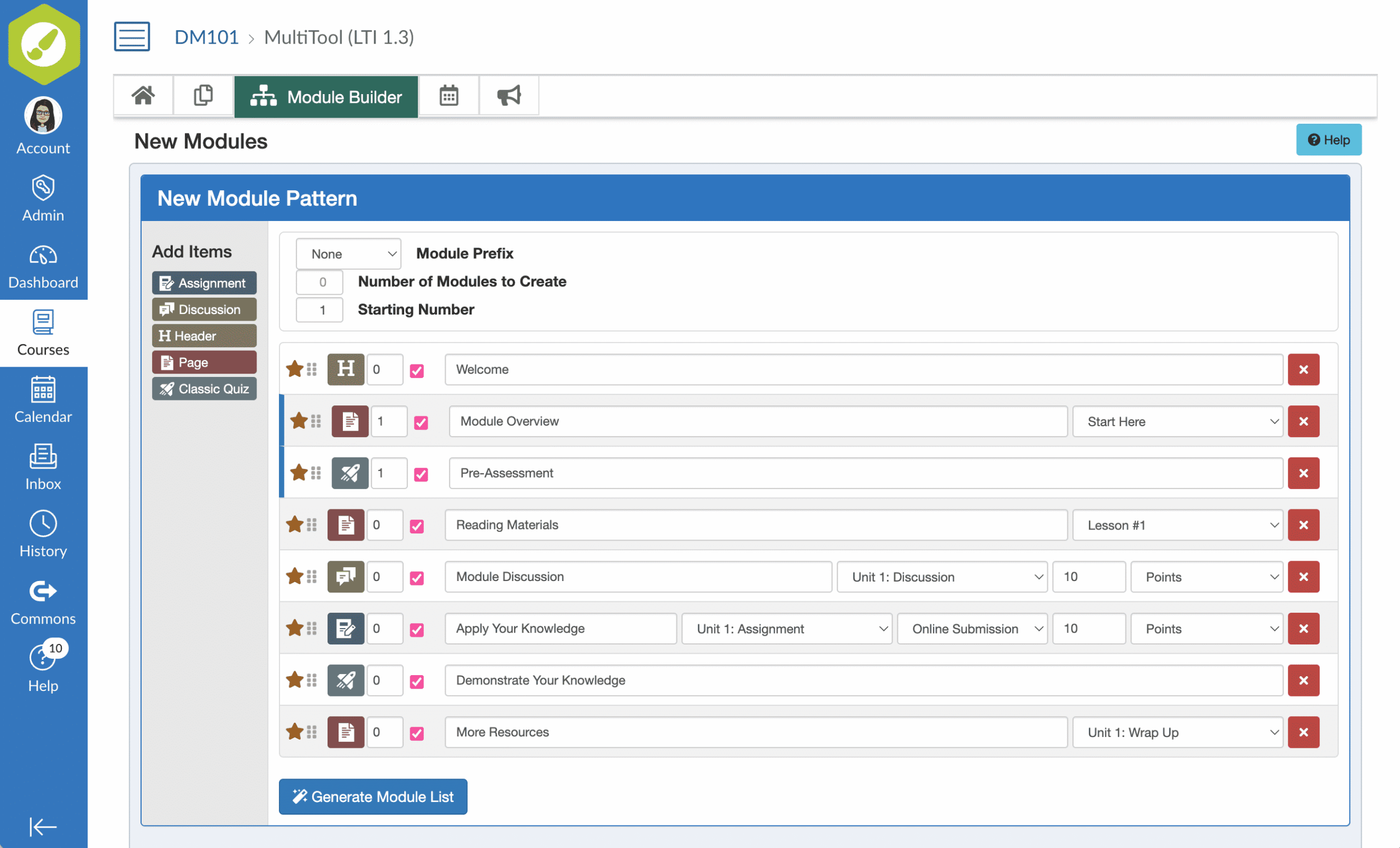
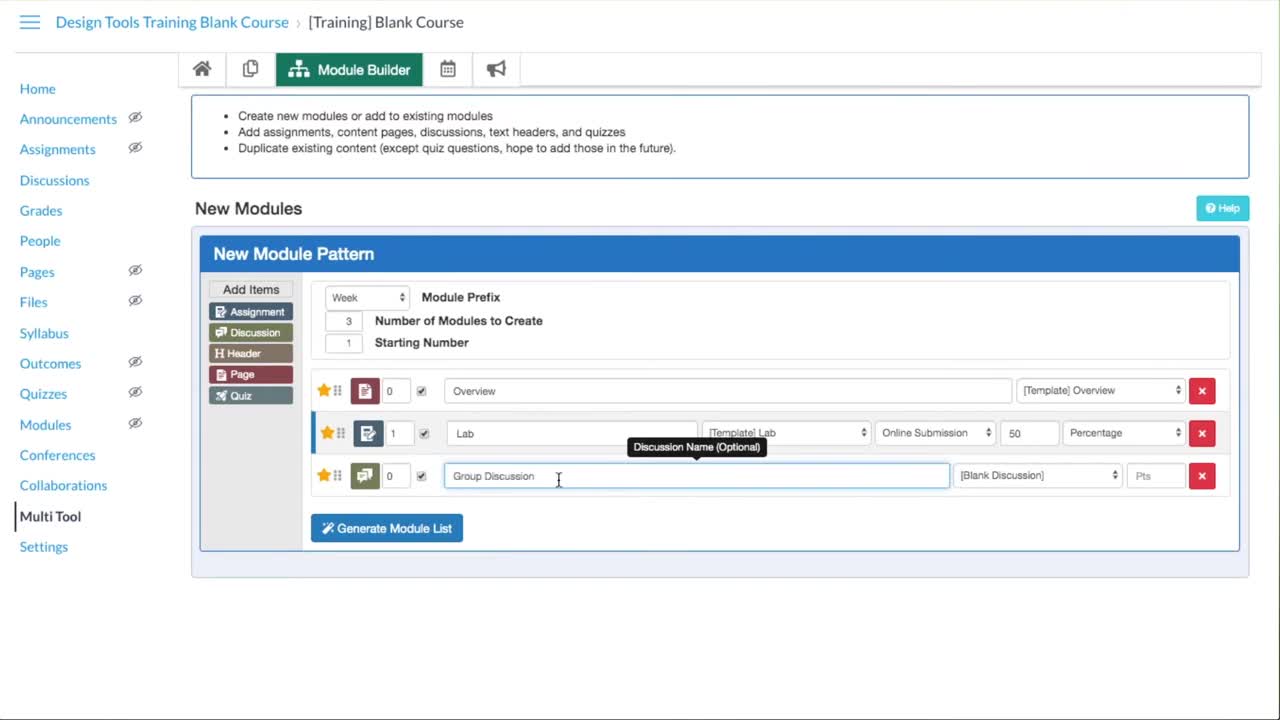
The DesignPLUS Multi-Tool eliminates hours (or days!) of repetitive course setup. It lets you automatically generate, name, and organize:
Using the Canvas API, the Multi-Tool creates all patterned module elements in one step, helping your teams move from blank courses to fully structured ones in minutes instead of hours. Many instructional designers describe first using the Multi-Tool as the moment they stopped building courses the hard way.
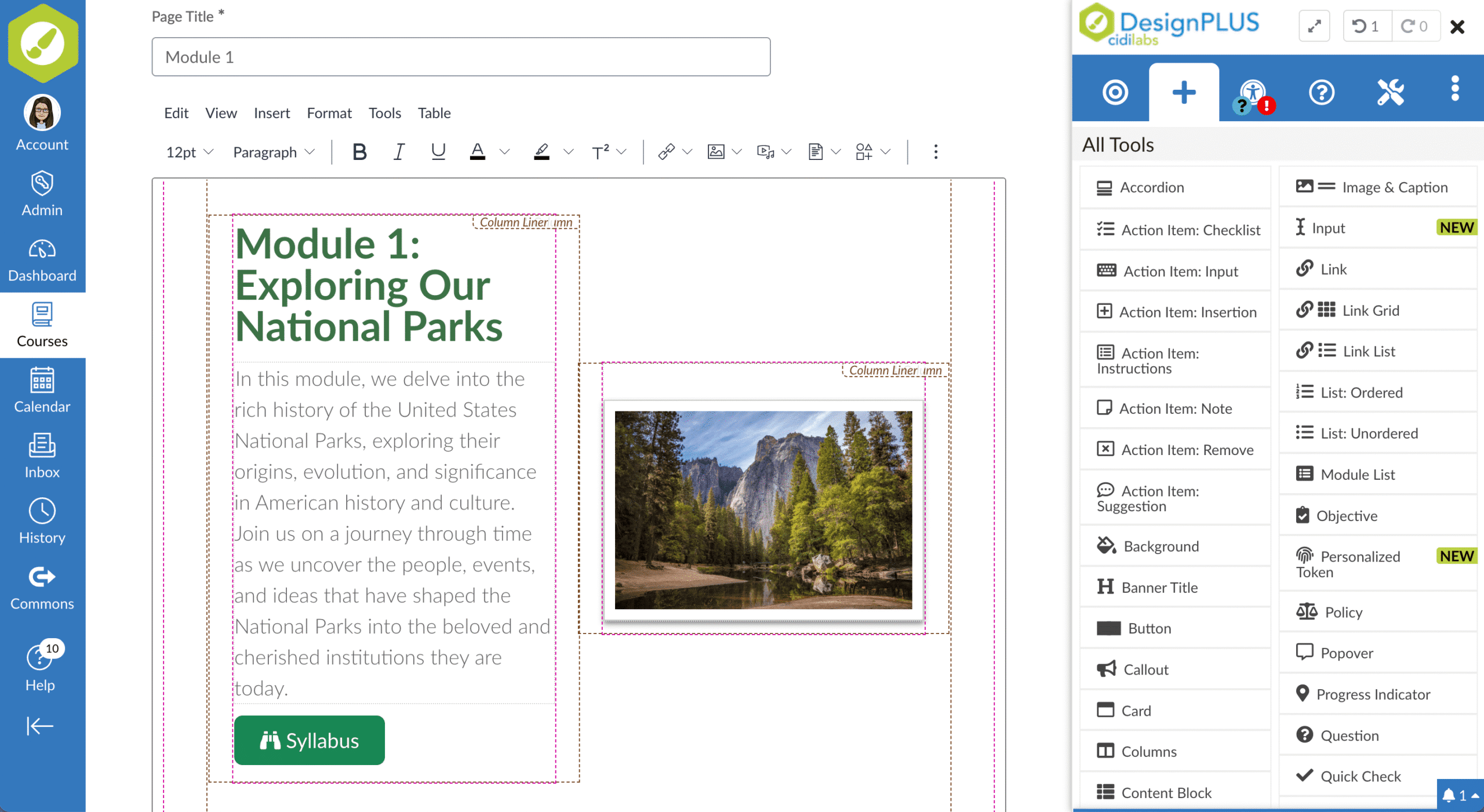
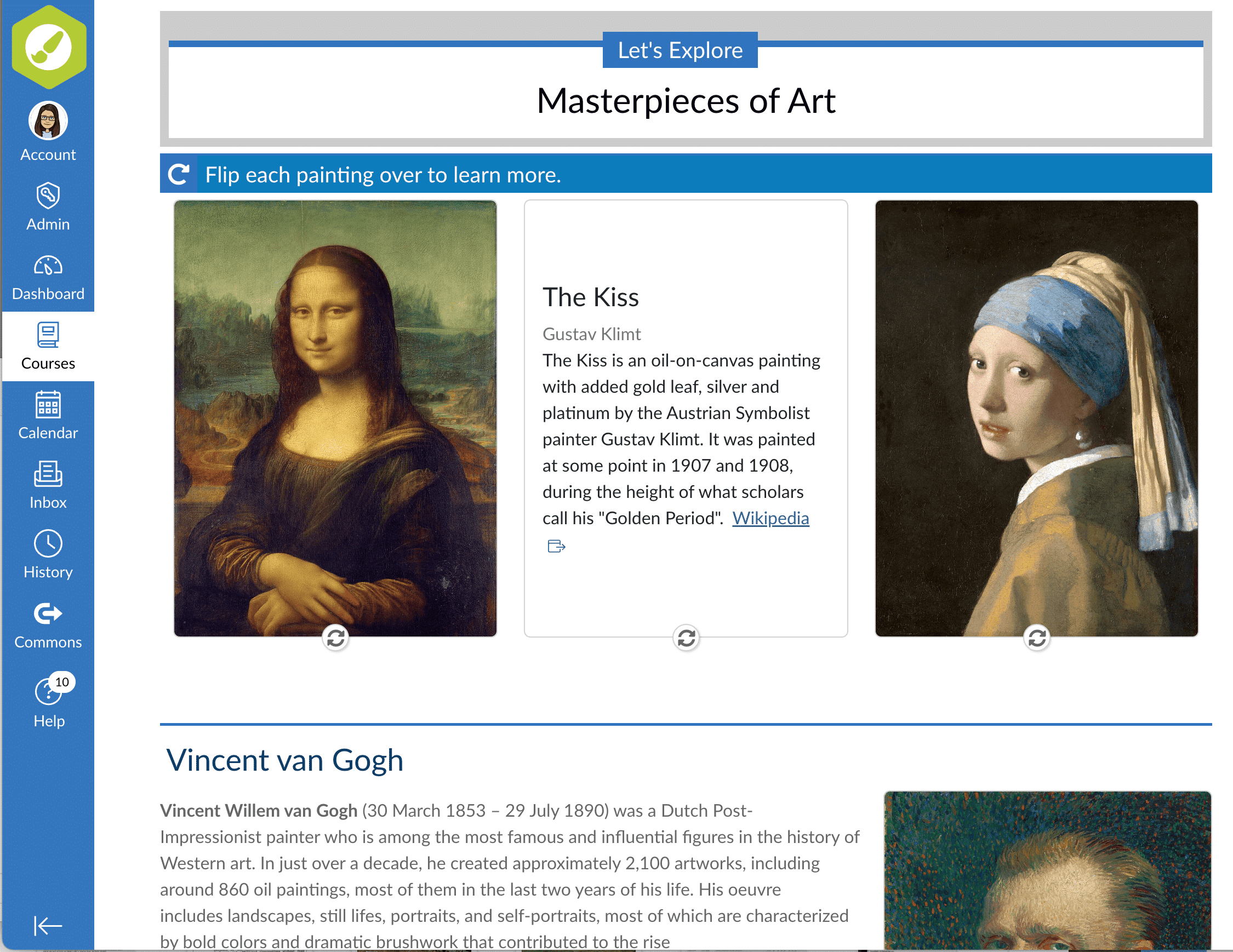
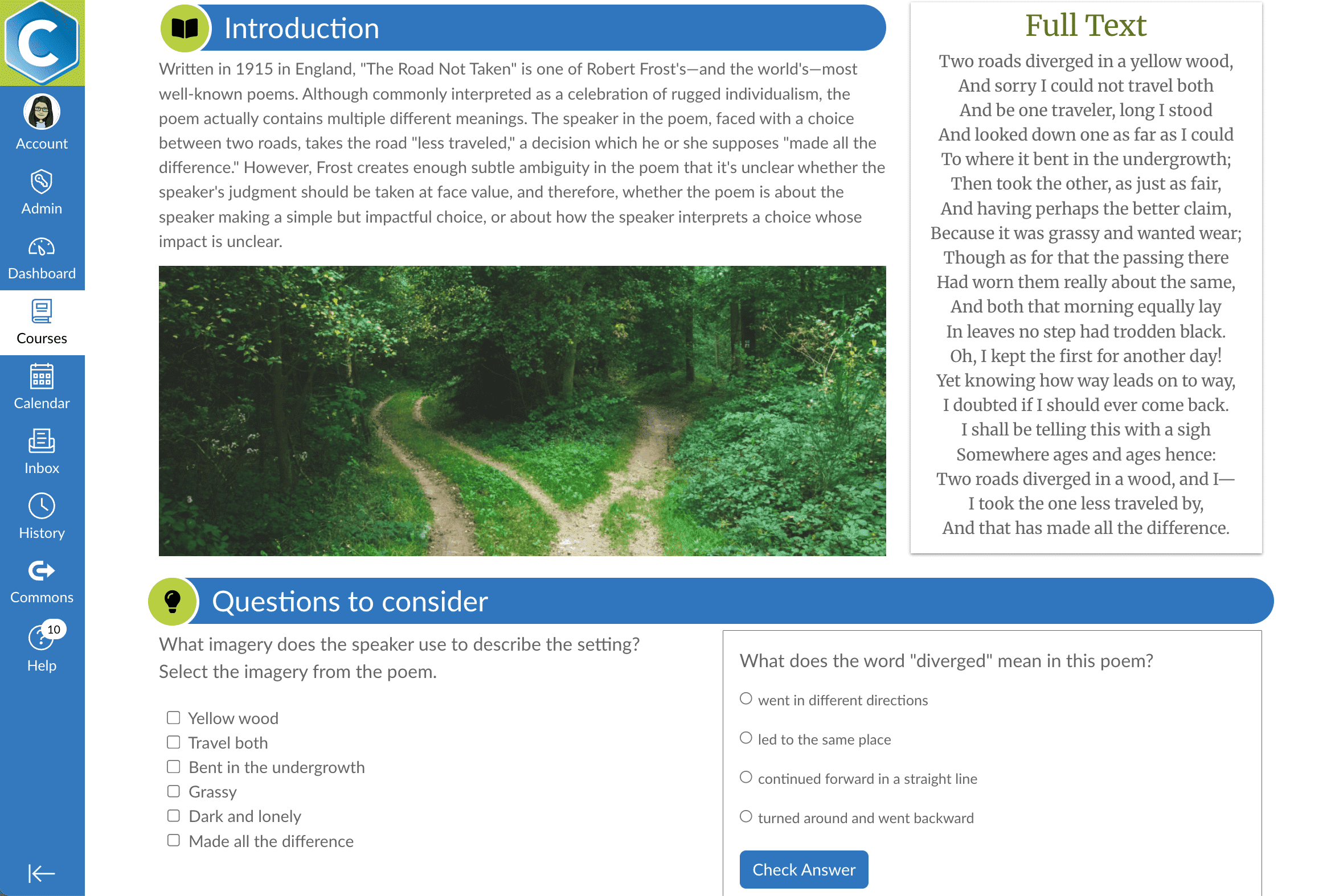
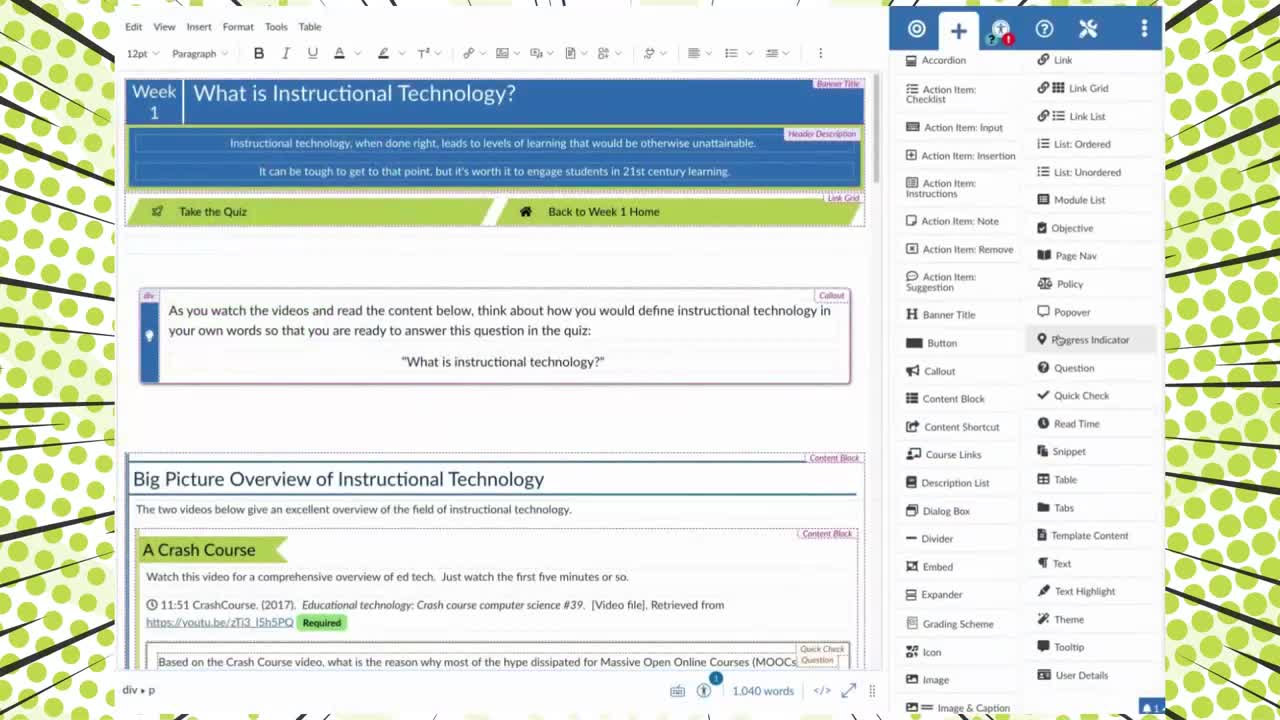
The DesignPLUS Sidebar makes it easy to create professional-looking, accessible Canvas content without coding expertise. With dozens of customizable design elements, you can:
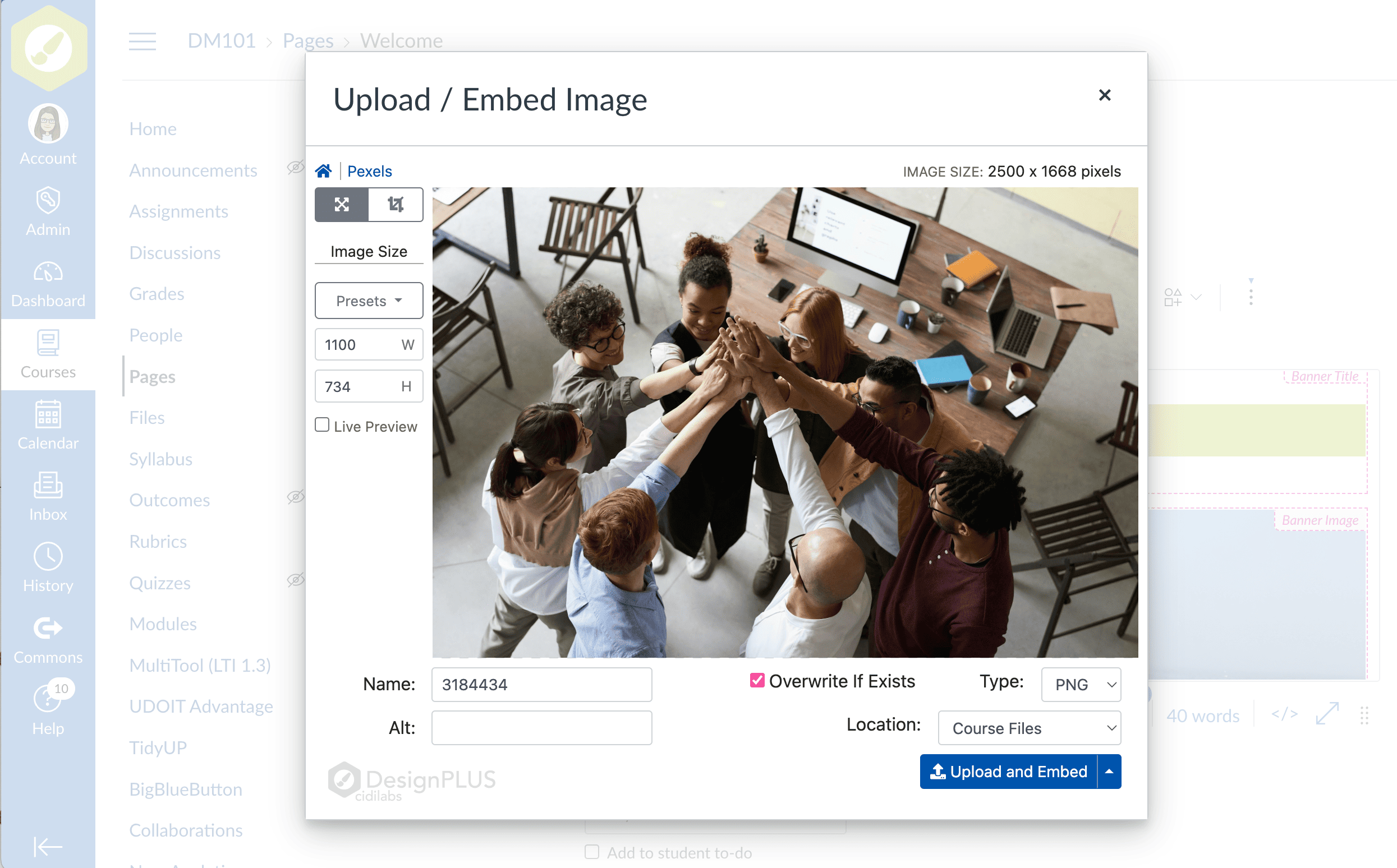
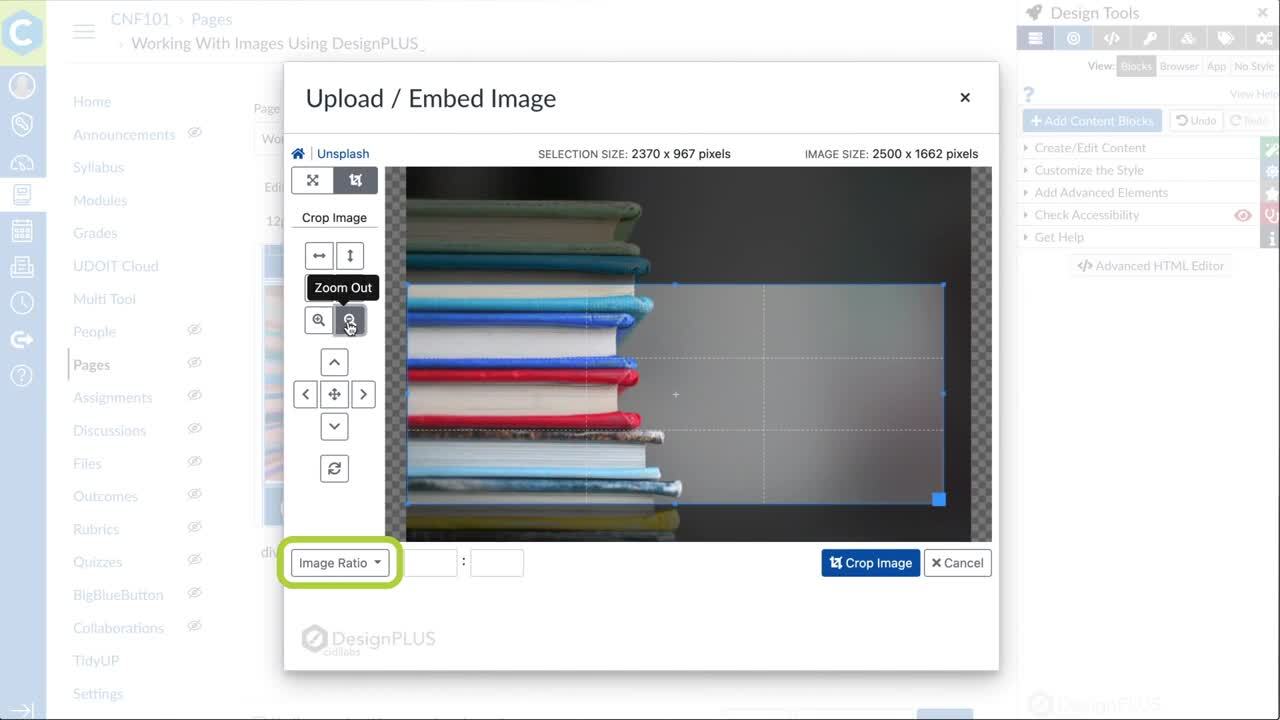
The Upload / Embed Image Tool removes the need to edit images outside Canvas. You can:
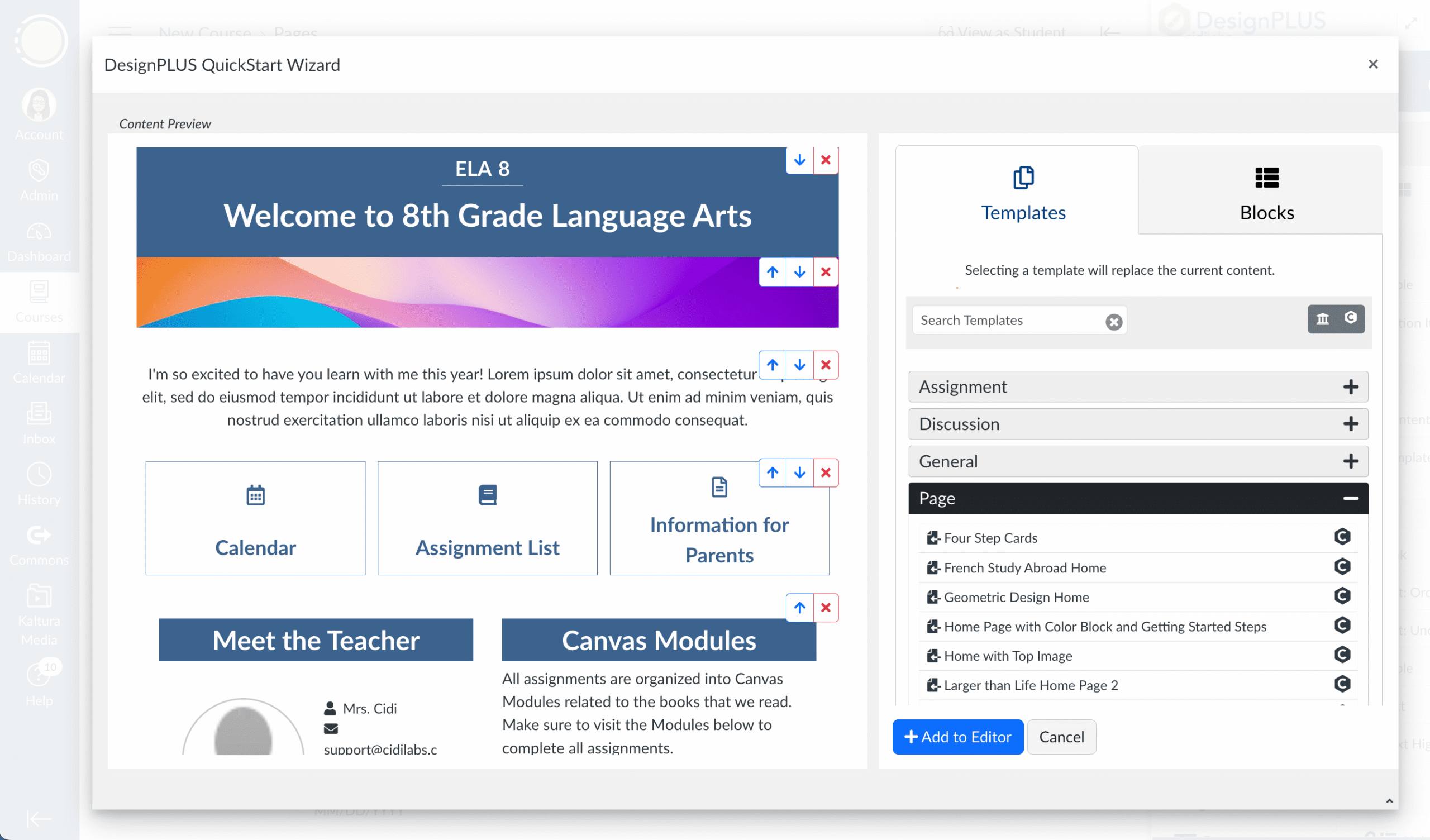
The DesignPLUS QuickStart Wizard lets you access customizable templates right inside the Canvas editor. It provides an easy starting point for course designers – regardless of skill level – to build engaging, accessible Canvas content using pre-built templates and content blocks.
The QuickStart Wizard is the fastest way to apply institution-approved Canvas course templates and content blocks, without requiring design expertise.
With the QuickStart Wizard, you can:

DesignPLUS increases productivity by reducing manual setup and repetitive design work – letting instructional designers and educators focus on teaching and learning.
Define best practices once and apply them consistently across courses, departments, and programs - supporting quality, clarity, and learner success.
Well-structured, visually engaging, and accessible courses reduce cognitive load, improve navigation, and encourage students to persist in their learning.
DesignPLUS supports accessibility-first course design, making it simpler to build inclusive learning experiences and reduce remediation work.
Institutions using DesignPLUS report improvements in course quality, accessibility, and student engagement - delivering measurable return on investment.
Answer:
Yes! Both live train-the-trainer sessions as well as a series of on-demand video tutorials are available to institutions that purchase DesignPLUS. Visit this Knowledge Base Article for more details about our DesignPLUS training offerings.
Answer:
DesignPLUS is provided as a SaaS subscription with the annual subscription price based on student enrollments (FTE) or student count (K-12) of the organization or unit that will use the tools. We will work with you to come up with a roll out plan that meets your needs, with pricing to match. Implementation and training fees are additional in the first year. Contact us for specific details.
Answer:
Design Tools is an add-on to Canvas that uses LTI, the Canvas API, and the ability inside Canvas to utilize custom CSS and JavaScript files to integrate with Canvas. Design Tools is comprised of two LTI tools and one JavaScript widget that works with the Canvas Rich Content Editor (RCE).
These tools can be installed at the Canvas root account or in any sub-account within your Canvas instance.
Answer:
DesignPLUS offers multiple ways to control access to the tools to help with the roll out of the tools.

Description